How to filter users by admin in Mixpanel
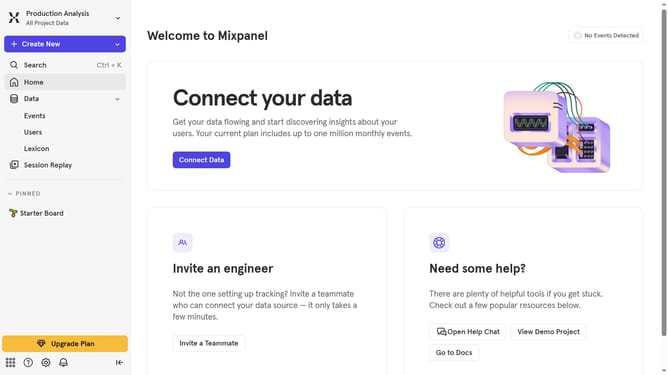
Here is how to filter users by admin in mixpanel
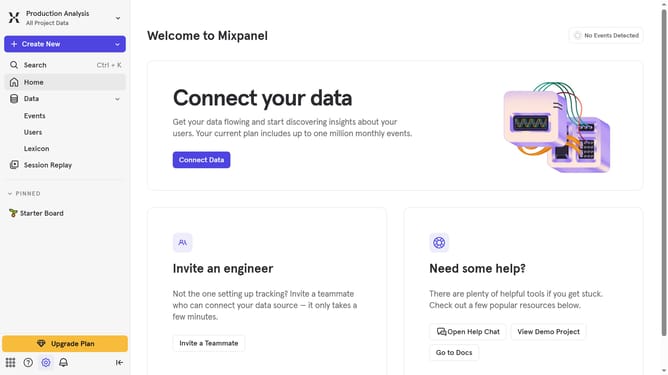
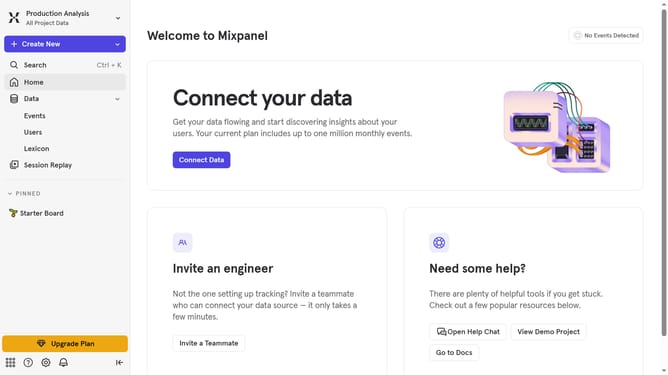
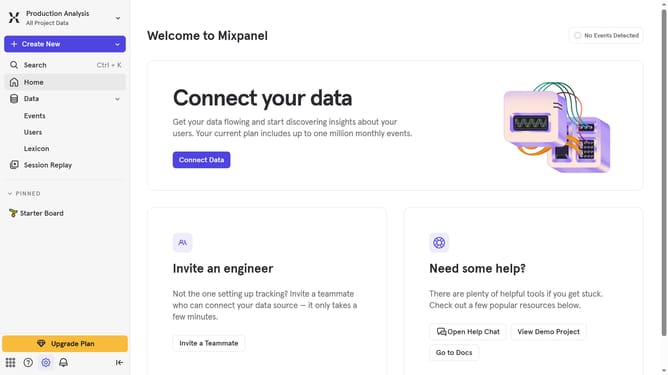
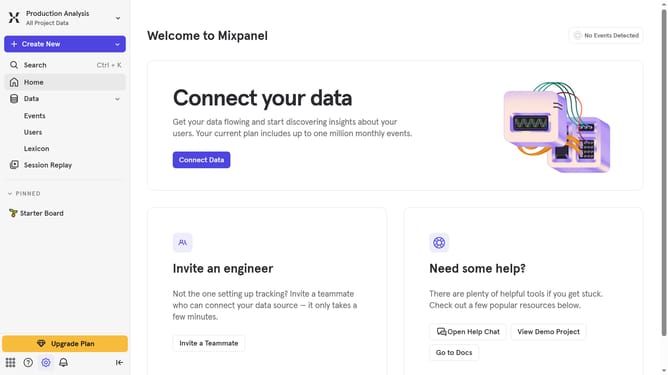
- First click on the settings icon in the bottom left navigation bar
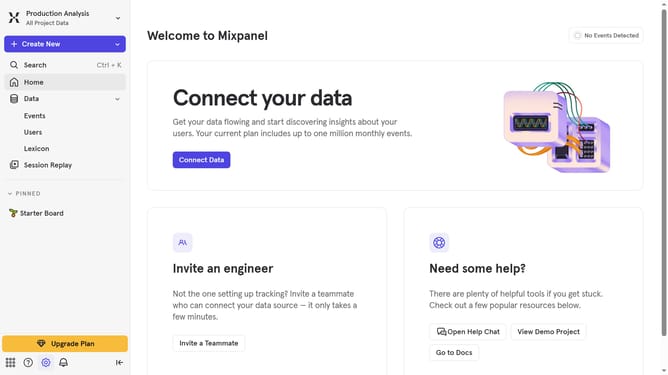
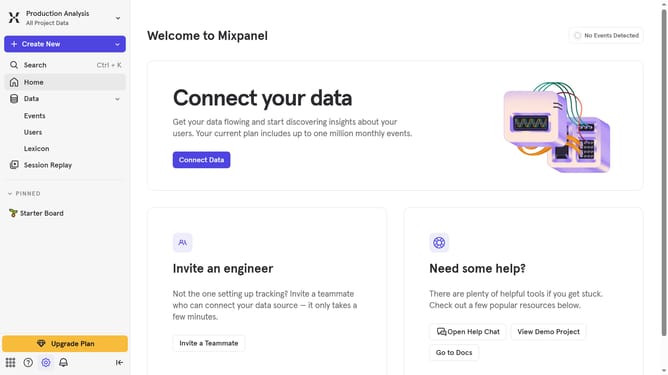
- Then hover your mouse cursor over the "Settings" menu
- Next click on "Project Settings" in the expanded menu
- After that, click on "Project Users" in the left sidebar
- Then click on the "All Roles" dropdown
- Finally select "Admin" from the dropdown menu
Why should you filter users by admin in Mixpanel
Mixpanel is a powerful analytics platform that helps businesses understand user behavior to drive better outcomes.
One useful feature within Mixpanel is the ability to filter users by admin. This allows companies to quickly identify and focus on specific segments of their user base, streamlining decision-making processes.
By filtering users by admin, teams can better allocate resources, tailor marketing efforts, and enhance user engagement, ensuring a more personalized experience for customers.
This feature not only saves time but also optimizes data management, thereby improving overall business efficiency.
Last update