How to connect Mailchimp in Mixpanel
Here is how to connect mailchimp in mixpanel
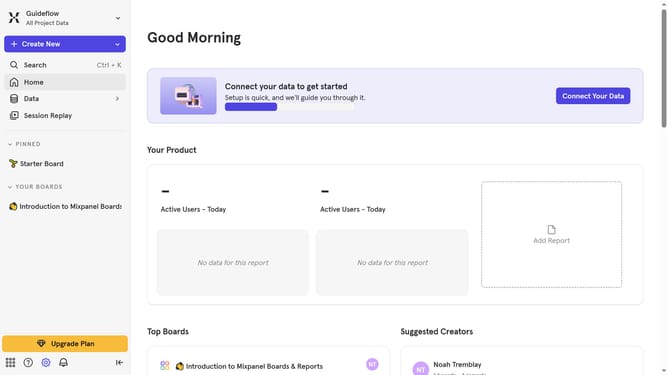
- First click on the "Settings" icon in the sidebar
- Then click on "Integrations" in the sidebar menu
- Scroll down to view more options
- Click on the "Connect" button for the "Mailchimp" integration
- Click on the "Connect" button
- Then click on the "CONNECTOR NAME" text input field and type in your desired connector name
- Then click on the "API KEY" text input field
- Finally click on the "Continue" button
Why should you connect Mailchimp in Mixpanel
Mixpanel is a powerful analytics platform designed to help businesses understand their user behavior.
Connecting Mailchimp in Mixpanel enables the seamless integration of email marketing data with user engagement insights.
This connection allows you to track the effectiveness of your email campaigns directly within Mixpanel, revealing how customers interact with your brand post-email engagement.
By integrating these tools, businesses can refine marketing strategies, improve customer targeting, and enhance overall campaign performance.
Last update