How to show example value column in profile properties in Mixpanel
Here is how to show example value column in profile properties in mixpanel
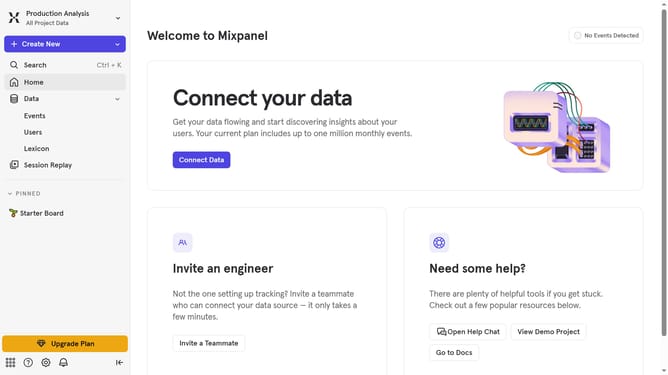
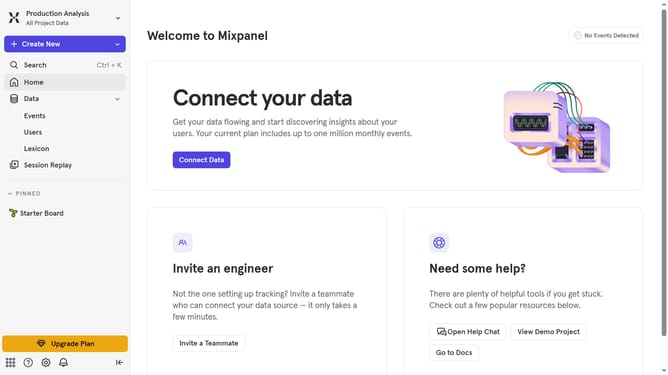
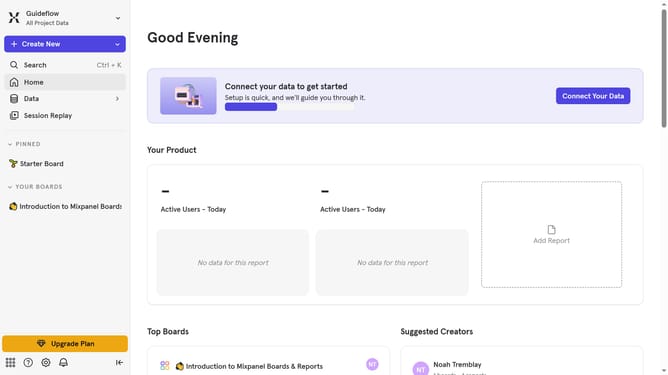
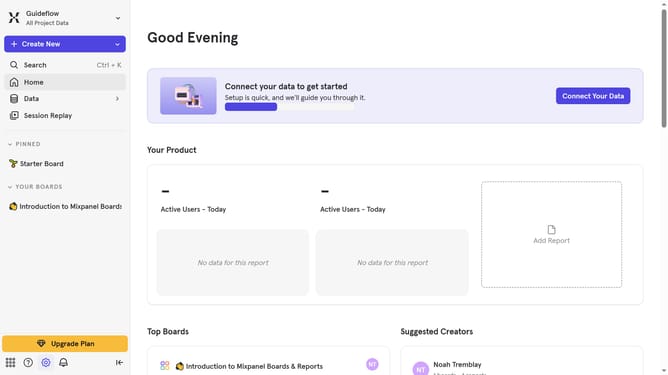
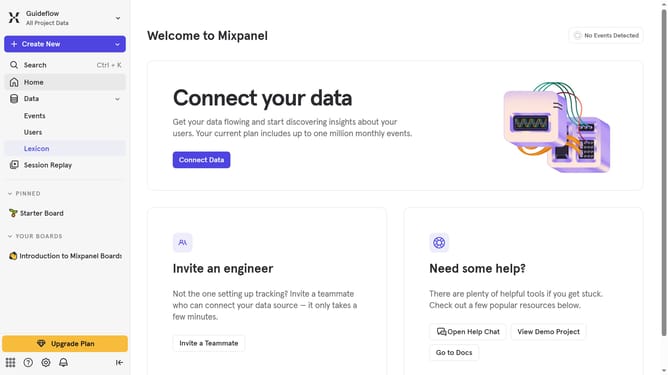
- First click on "Lexicon" in the left sidebar
- Then click on "Profile Properties" in the left sidebar
- Next click on "Edit Columns" button
- Finally select the checkbox next to "Example Value"
Why should you show example value column in profile properties in Mixpanel
Mixpanel is a powerful analytics tool designed to track user interactions and gain insights for growth.
The 'Example Value' column feature in Mixpanel's profile properties allows users to effortlessly see sample data linked to customer profiles. It presents a quick glimpse into data attributes, enabling more intuitive understanding and interpretation of user information.
Employing this feature saves time and enhances decision-making by offering context at a glance. It's an invaluable tool for analysts and marketers seeking data clarity and actionable insights.
Last update