How to filter audit logs by user data deletion canceled in Mixpanel
Here is how to filter audit logs by user data deletion canceled in mixpanel
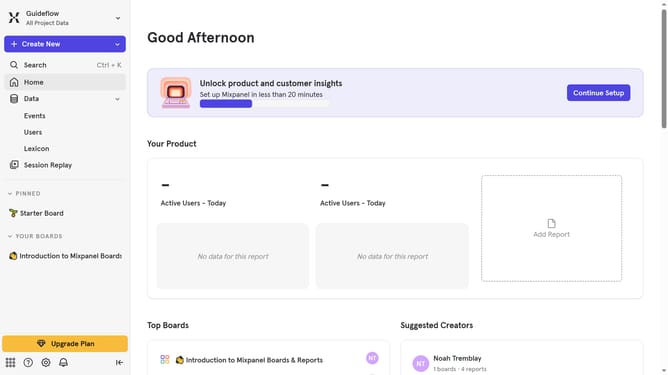
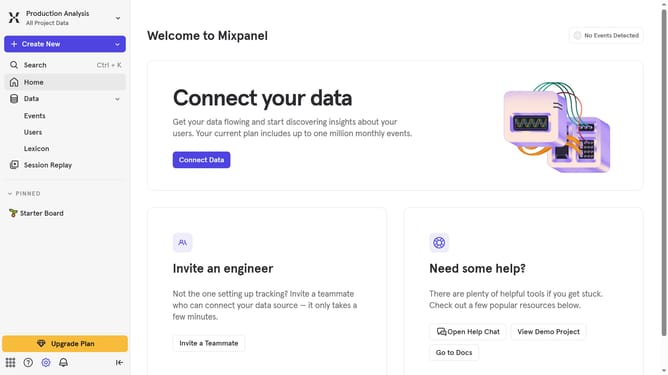
- First click on the "Settings" icon in the bottom left menu
- Then hover your mouse cursor over the "Settings" from the dropdown
- Next click on "Organization Settings"
- Then select "Audit Log" from the left sidebar
- After that click on the "Action" dropdown
- Then scroll down in the dropdown menu
- Finally click on the checkbox next to "User Data Deletion Canceled"
Why should you filter audit logs by user data deletion canceled in Mixpanel
Mixpanel is a powerful analytics tool designed to help businesses understand user behavior.
Filtering audit logs by user data deletion canceled in Mixpanel allows teams to zero in on any interruptions in user data removal processes. Focusing on such specific actions provides clarity in the audit trail, making it easier to identify potential discrepancies or compliance issues.
By utilizing this feature, organizations enhance their decision-making processes and ensure data integrity, aligning with regulatory requirements while maintaining user trust.
Last update