How to remove visible filter from events in Mixpanel
Here is how to remove visible filter from events in mixpanel
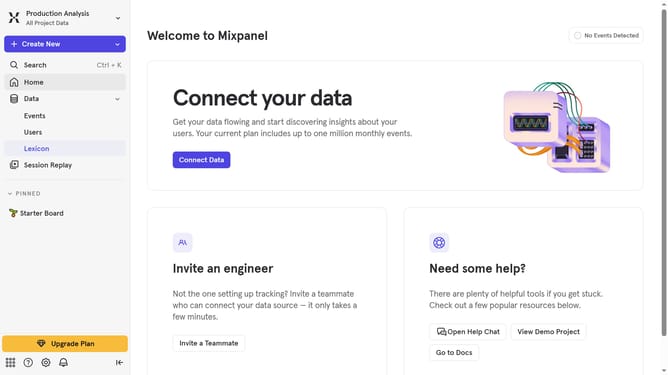
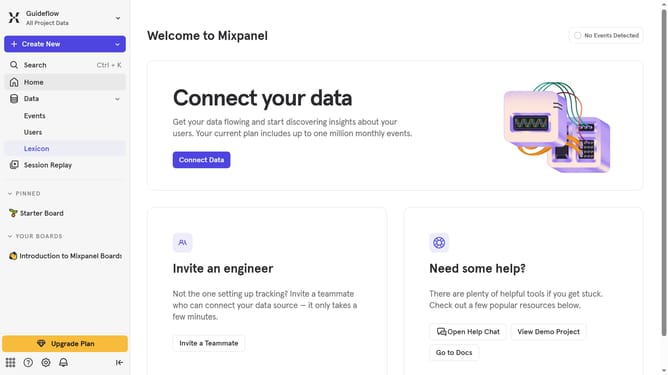
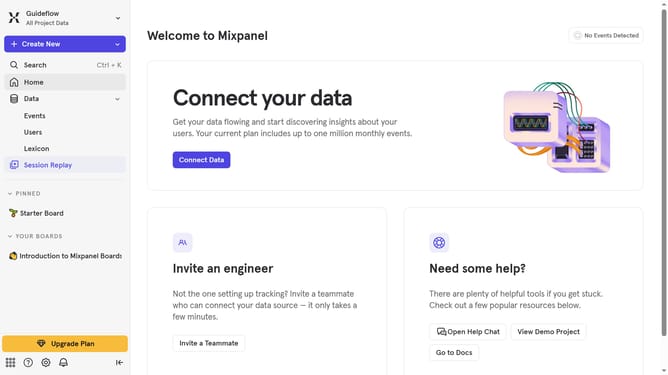
- First click on "Lexicon" in the left sidebar
- Then click on "Filter" button in the main content area
- Finally uncheck the "Visible" checkbox
Why should you remove visible filter from events in Mixpanel
Mixpanel is a powerful analytics platform designed to help businesses understand user behavior and enhance decision-making.
Removing visible filters from events in Mixpanel can streamline data analysis by presenting a clearer, unhindered view of user interactions.
This feature empowers teams to dissect user data without preset conditions, offering a fresh perspective that encourages insights and optimizes decision-making.
By eliminating visible filters, teams can ensure their analysis is unrestricted, leading to comprehensive insights and more informed strategies.
Last update