How to filter events by visible status in Mixpanel
Here is how to filter events by visible status in mixpanel
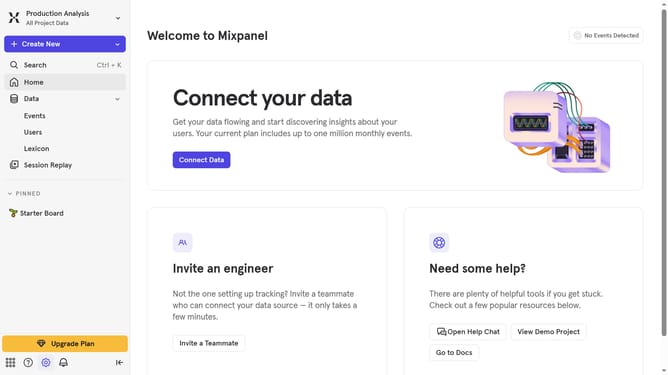
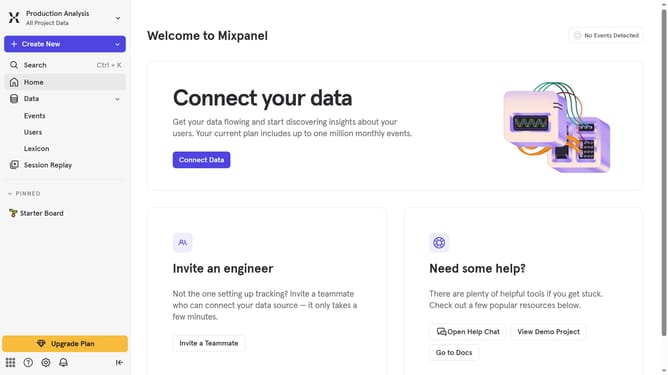
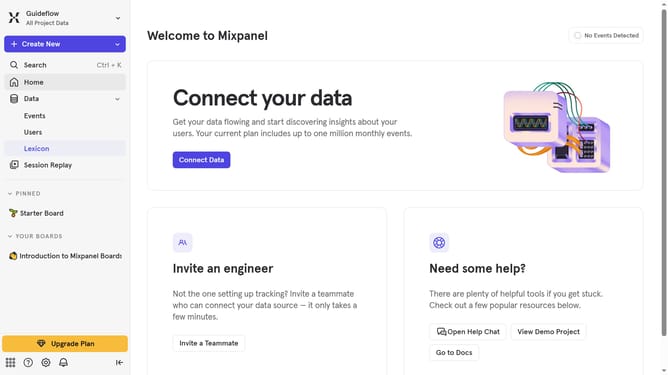
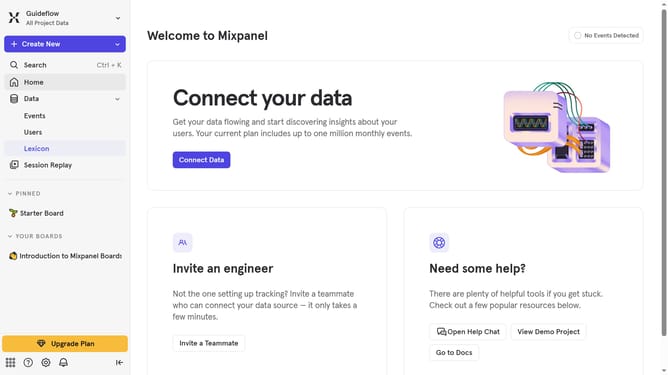
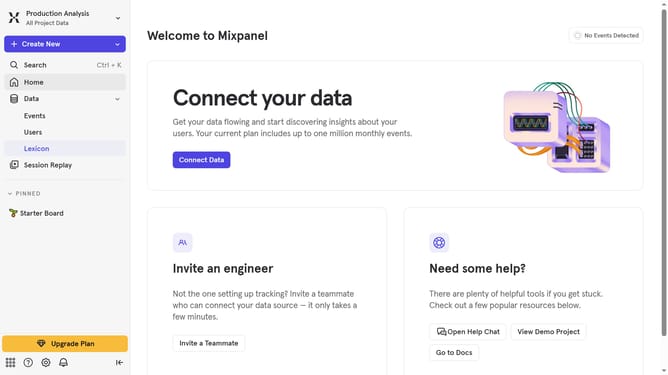
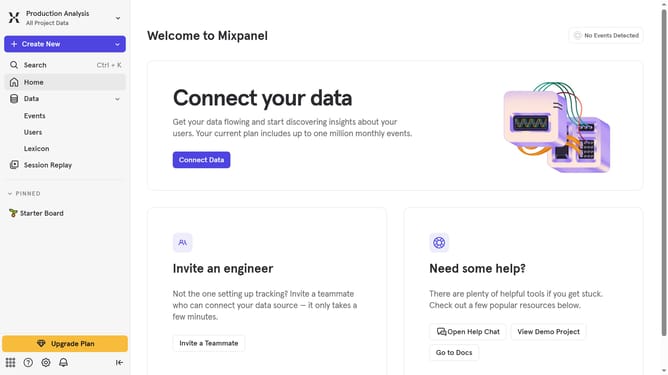
- First click on "Lexicon" in the left sidebar
- Then click on the "Filter" button
- Finally select the "Visible" checkbox
Why should you filter events by visible status in Mixpanel
Mixpanel is a powerful analytics platform designed to help businesses understand user behavior.
Among its many features, Mixpanel allows users to filter events by visible status, offering a streamlined approach to manage vast data easily.
This feature helps in pinpointing exactly what users want to observe without clutter, aiding quick decision-making.
By focusing only on relevant events, businesses can gain precise insights and enhance their performance strategies efficiently.
Last update