How to show description column in profile properties in Mixpanel
Here is how to show description column in profile properties in mixpanel
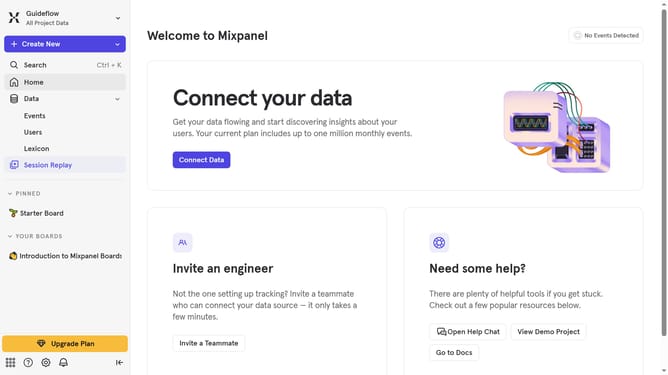
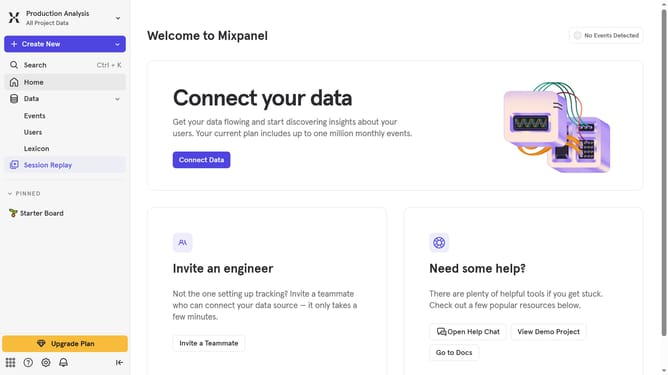
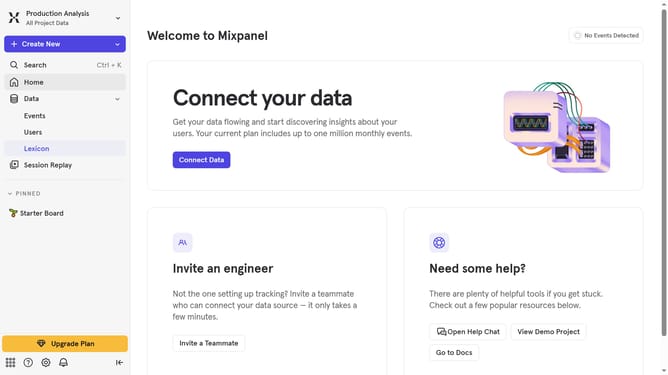
- First, click on "Lexicon" in the left sidebar
- Then, click on "Profile Properties" in the left sidebar
- Next, click on the "Edit Columns" button in the main panel
- Finally, select the "Description" checkbox in the dropdown menu
Why should you show description column in profile properties in Mixpanel
Mixpanel is a powerful analytics tool designed to help businesses understand user behavior and drive growth.
One essential feature of Mixpanel is the ability to show the description column in profile properties, which enhances data clarity and usability. Adding descriptions allows team members to quickly understand each property’s purpose, eliminating any guesswork. This feature brings context to data, making collaborative discussions more efficient.
Displaying descriptions improves onboarding experiences, as new team members can easily grasp the relevance and meaning of various properties. Ultimately, it streamlines decision-making processes, ensuring everyone is on the same page.
Last update