How to filter metrics by formulas in Mixpanel
Here is how to filter metrics by formulas in mixpanel
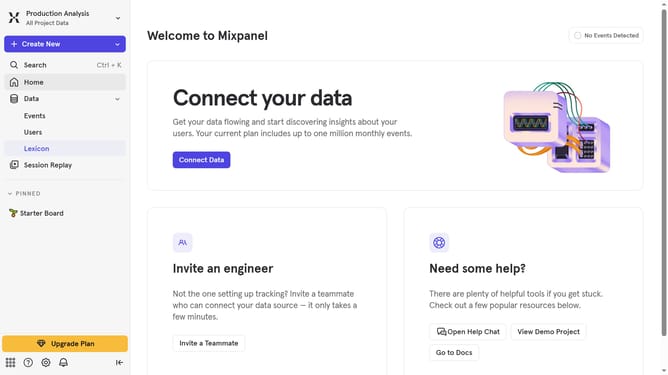
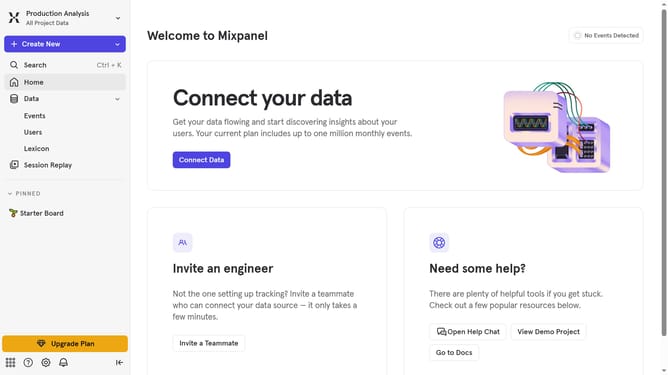
- First click on "Lexicon" in the left sidebar
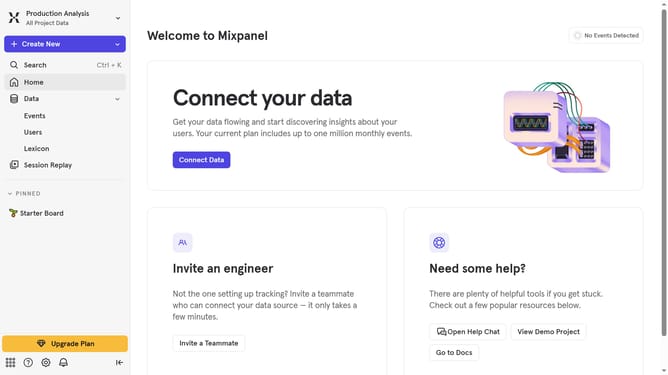
- Then click on "Metrics" in the left sidebar
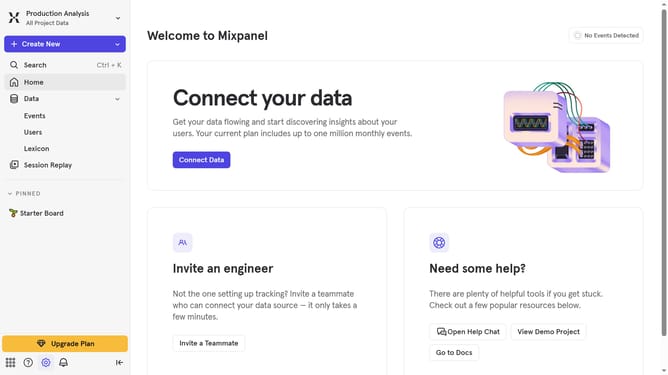
- Next click on the "Filter" button
- Finally click on the "Formulas" checkbox
Why should you filter metrics by formulas in Mixpanel
Mixpanel is a robust analytics platform designed to empower businesses with actionable insights into user behavior.
One of Mixpanel's standout features is its ability to filter metrics by formulas, enhancing data analysis precision. This feature allows users to create complex queries, transforming raw data into meaningful insights by applying custom formulas.
Using formula filters in Mixpanel supports tailored data perspectives, enabling businesses to pinpoint trends and anomalies effortlessly. This enhancing decision-making and driving targeted strategies for growth and efficiency.
Last update