How to hide display name column in custom profile properties in Mixpanel
Here is how to hide display name column in custom profile properties in mixpanel
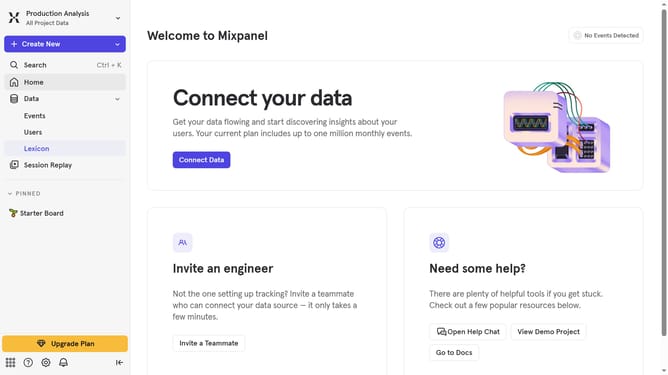
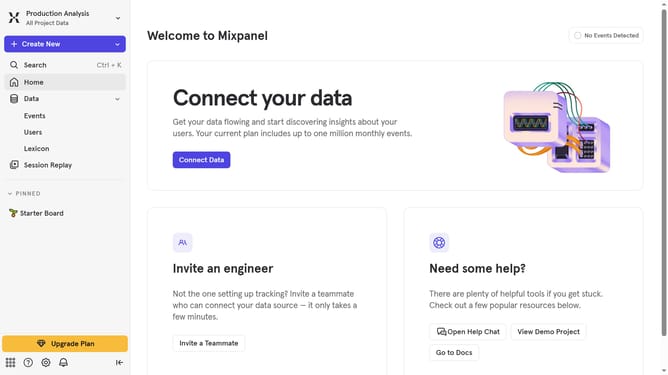
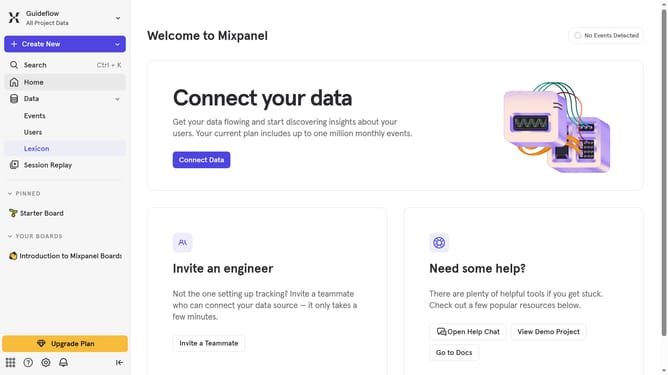
- First click on "Lexicon" in the sidebar
- Then click on "Custom Profile Properties" button in the sidebar
- Next click on "Edit Columns" button
- Finally uncheck the checkbox next to "Display name" in the menu that appears
Why should you hide display name column in custom profile properties in Mixpanel
Mixpanel is a leading analytics platform that empowers businesses to understand and influence user behavior.
The feature to hide the display name column in custom profile properties adds a layer of customization and focus, ensuring data is clean and streamlined.
By hiding unnecessary columns, users can reduce visual clutter and enhance the efficiency of their data analysis process.
This refinement facilitates a more focused approach to data examination, allowing users to concentrate on what's most relevant for strategic decision-making.
Last update