How to turn on slack notification in Mixpanel
Here is how to turn on slack notification in mixpanel
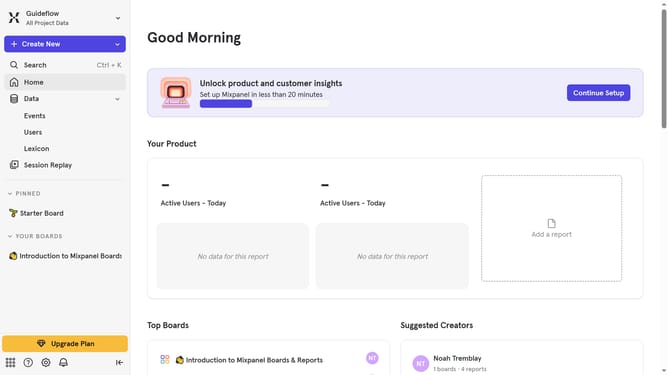
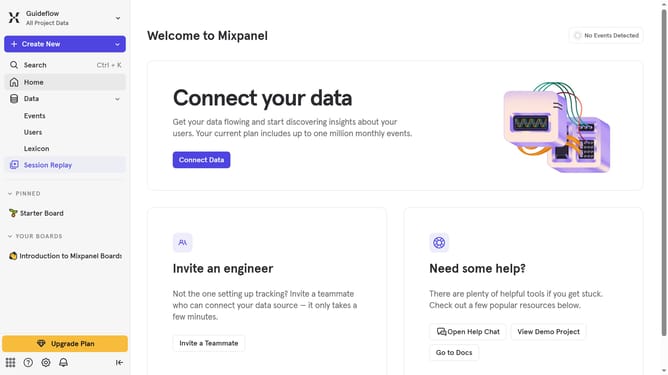
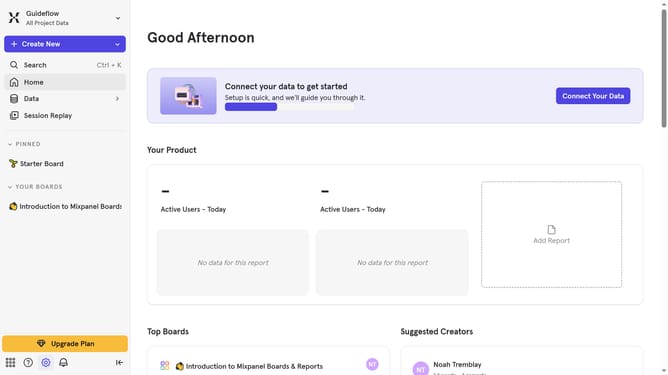
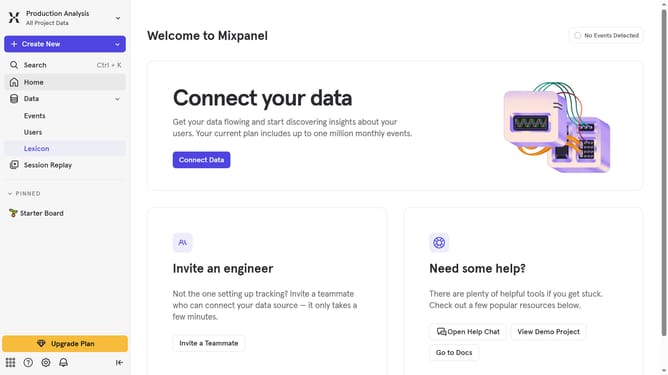
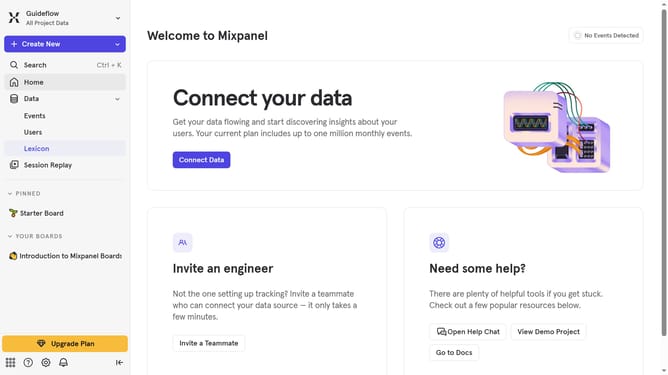
- First click on the "Notifications" icon in the bottom left global header
- Then click on the "Settings" icon in the notification panel
- Finally toggle on the "Slack notifications" option by clicking on the toggle switch
Why should you turn on slack notification in Mixpanel
Mixpanel is a powerful tool designed to enhance user analytics and drive informed decision-making.
Turning on Slack notifications in Mixpanel is a strategic feature that keeps teams synchronized and responsive.
This integration ensures that key updates and insights reach your team instantly, fostering agile reactions and data-driven discussions.
By utilizing Slack notifications, teams stay informed about real-time analytics, streamlining workflow and boosting overall productivity.
Last update