How to hide created column in lookup tables in Mixpanel
Here is how to hide created column in lookup tables in mixpanel
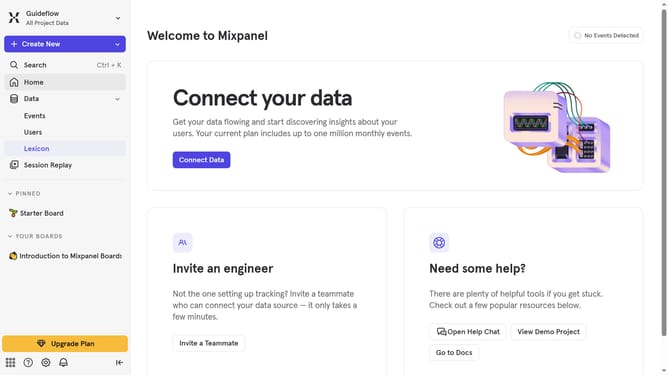
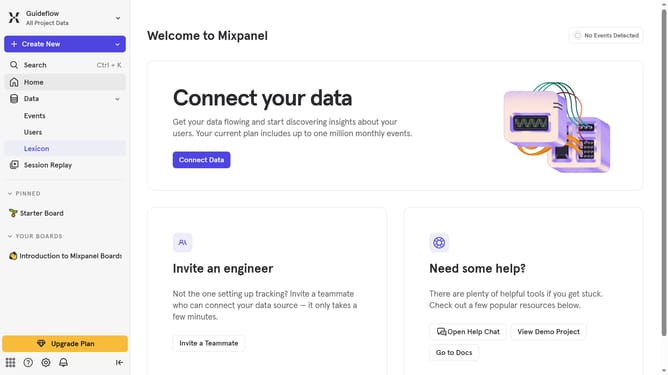
- First, in the left sidebar menu, click on "Lexicon"
- Then, in the left sidebar menu, click on "Lookup Tables"
- Next, click on the "Edit Columns" button
- Finally, uncheck the "Created" checkbox
Why should you hide created column in lookup tables in Mixpanel
Mixpanel is a powerful analytics tool designed to help businesses track user interactions and grow their platforms efficiently.
One of the useful features in Mixpanel is the ability to hide the created column in lookup tables. This feature streamlines data presentation by allowing analysts to customize which data fields they prioritize visibility for.
Utilizing this feature reduces clutter, helping teams focus on the most pertinent information without unnecessary distractions. The benefit is a more organized dashboard, enhancing focus and decision-making efficiency.
Last update