How to filter event properties to classified in Mixpanel
Here is how to filter event properties to classified in mixpanel
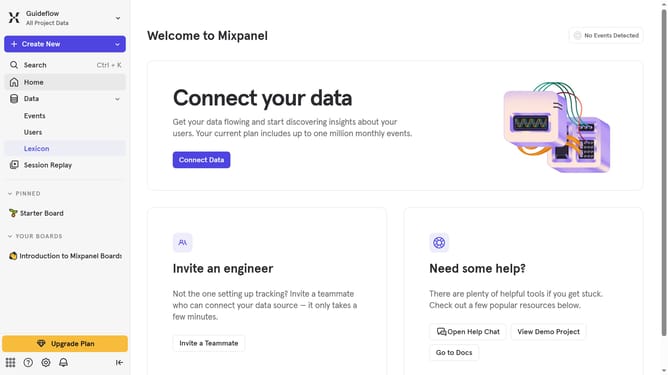
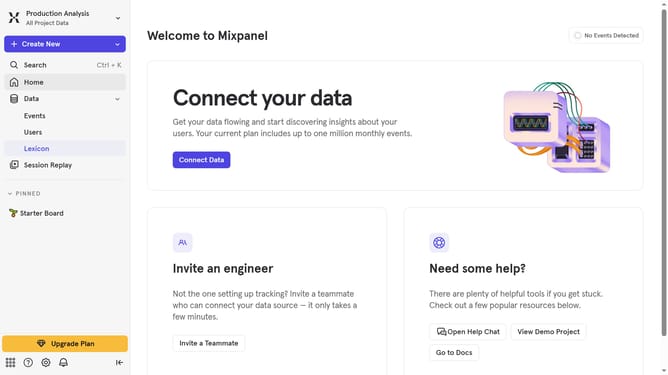
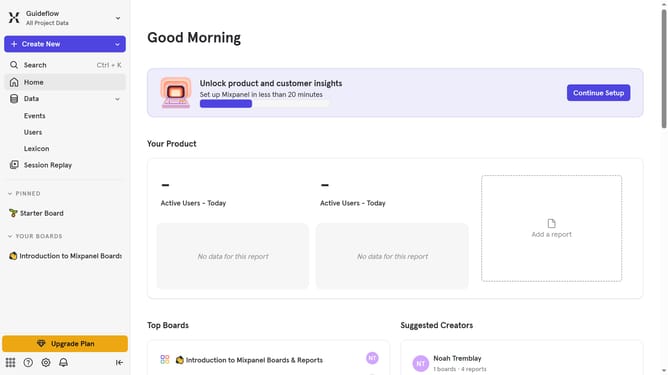
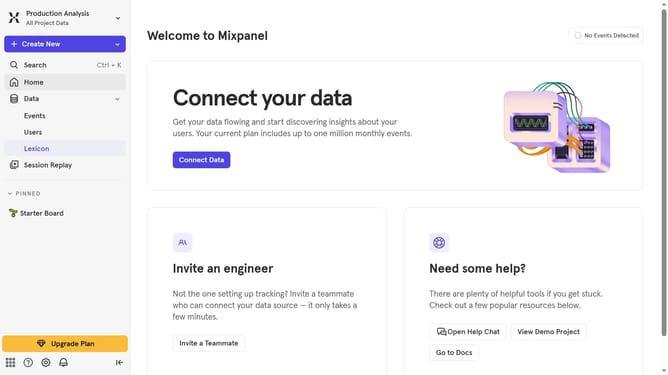
- First click on "Lexicon" in the left sidebar
- Then click on "Event Properties" in the left sidebar
- Then click on the "Filter" button
- Finally select "Classified" checkbox
Why should you filter event properties to classified in Mixpanel
Mixpanel is a powerful analytics tool designed to enhance your understanding of user behavior.
One standout feature of Mixpanel is its ability to filter event properties, distinctly classifying user interactions. This functionality allows businesses to dig deeper into specific user actions, leading to more precise insights.
By filtering event properties, companies can develop targeted strategies, focus on key performance indicators, and ultimately improve user engagement.
This refined approach ensures that decision-making is data-driven, leading to better business outcomes.
Last update