How to set session properties in Mixpanel
Here is how to set session properties in mixpanel
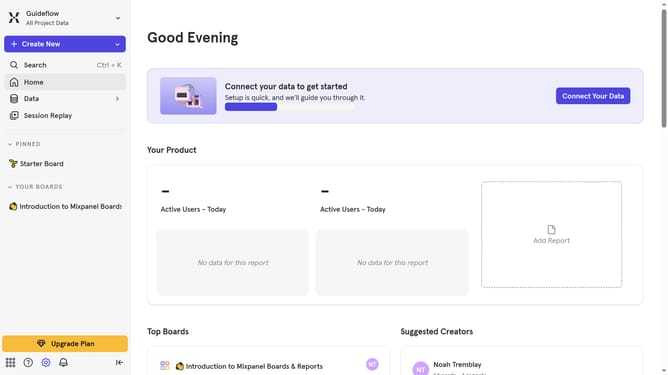
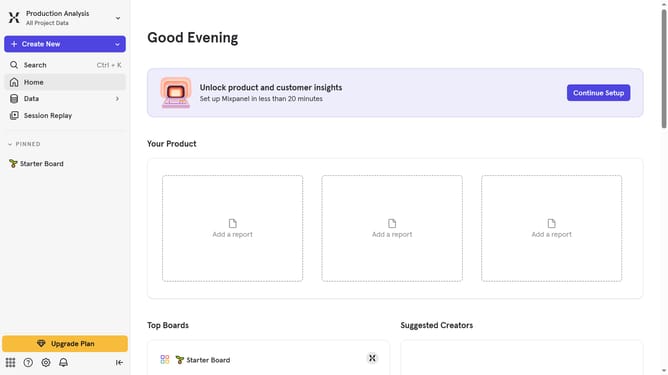
- First click on the settings icon in the bottom left sidebar
- Then hover your mouse cursor over the "Settings" menu
- Next, click on "Project Settings" in the dropdown menu
- Then scroll down to view more options
- Then click the edit icon for the session properties
- Next click on the "+ Properties" button
- Then select a session property from the dropdown menu
- Finally click on the "Update" button
Why should you set session properties in Mixpanel
Mixpanel is a powerful analytics platform designed to help businesses understand user interactions and improve their products.
Setting session properties in Mixpanel is a strategic way to tag and analyze user sessions, offering deeper insights into user behavior.
By customizing session properties, businesses can segment users effectively, allowing for more precise targeting and personalized experiences.
Using this feature enhances data accuracy, promotes informed decision-making, and ultimately leads to increased user satisfaction.
Last update