How to make a property hidden in profile properties in Mixpanel
Here is how to make a property hidden in profile properties in mixpanel
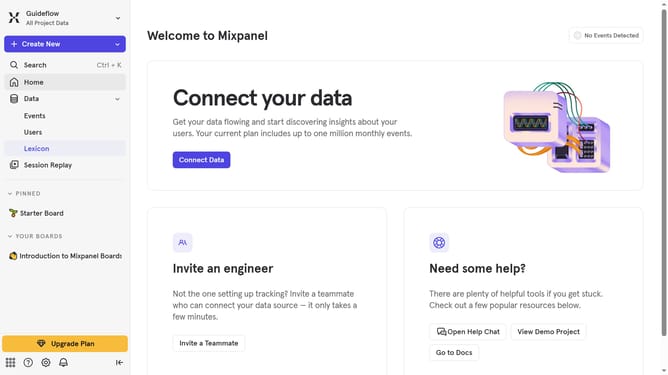
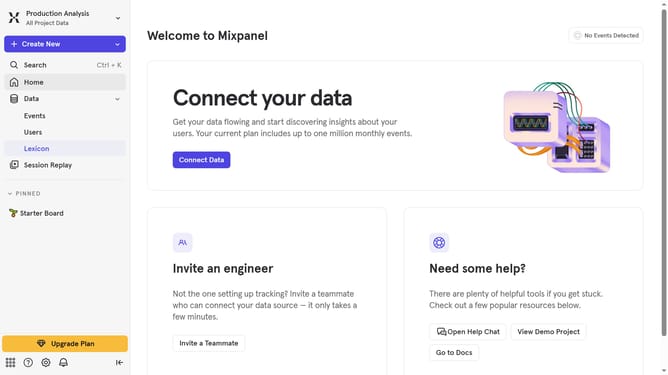
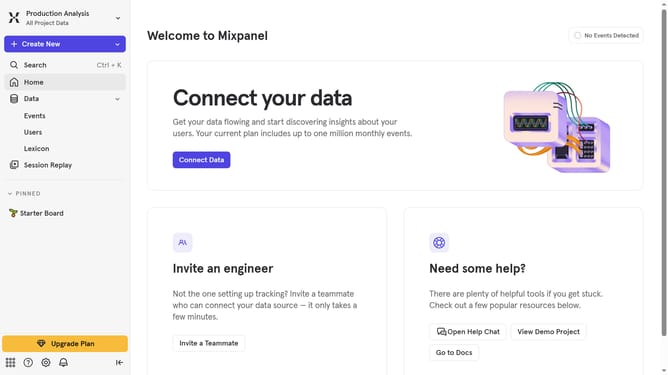
- First, click on "Lexicon" in the left sidebar
- Then, click on the "Profile Properties" option within the Lexicon section
- Next, click on the property that you want to make hidden
- After that, click on the status dropdown menu
- Finally, select "Hidden" from the dropdown menu
Why should you make a property hidden in profile properties in Mixpanel
Mixpanel is a powerful analytics tool designed to help businesses understand user behavior with precision.
One of its standout features is the ability to make a property hidden in profile properties.
This feature allows businesses to maintain data clarity, ensuring sensitive information is protected while still gathering important insights. By hiding properties that are not immediately relevant, teams can focus on the data that truly matters, improving efficiency, and decision-making.
Incorporating hidden properties is a strategic choice that streamlines data management and enhances privacy, ultimately supporting more effective user analysis.
Last update