How to show description column in lookup tables in Mixpanel
Here is how to show description column in lookup tables in mixpanel
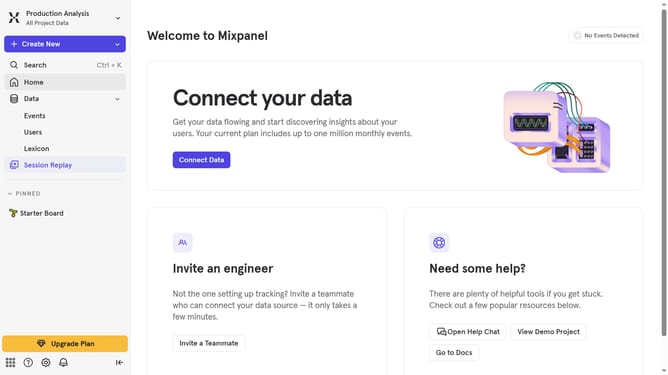
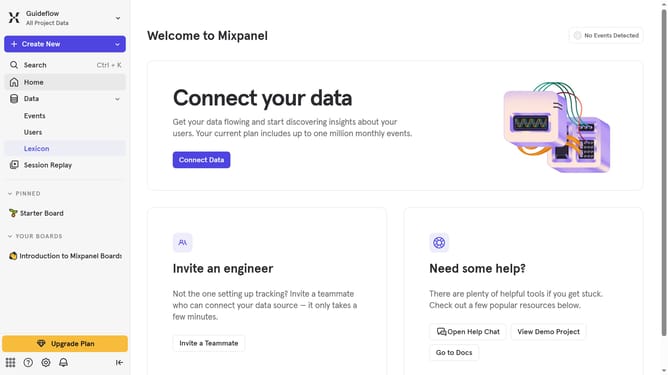
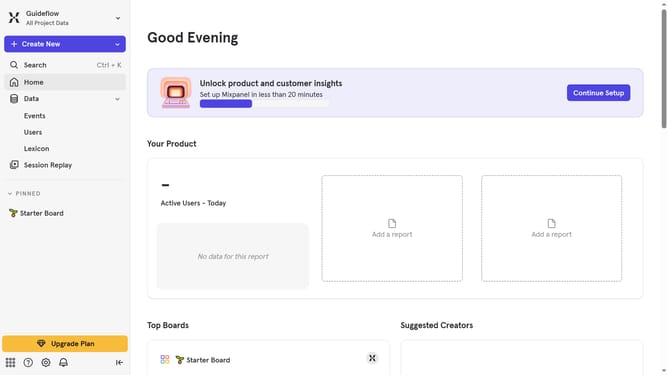
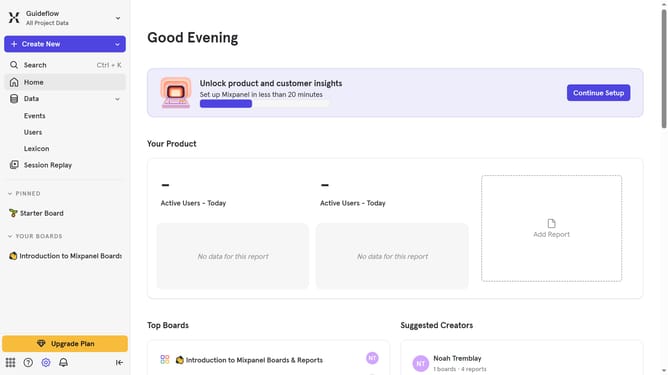
- First click on "Lexicon" in the sidebar
- Then click on "Lookup Tables" in the sidebar
- After that click on "Edit Columns" button
- Finally click on the checkbox next to "Description"
Why should you show description column in lookup tables in Mixpanel
Mixpanel is a powerful analytics platform designed to help businesses understand user behavior and enhance customer engagement.
Displaying the description column in lookup tables within Mixpanel adds crucial context, making data interpretation more intuitive.
By showcasing descriptions, users gain a deeper insight into data points, enhancing decision-making processes.
This feature fosters clarity and improves the overall efficiency of data analysis in Mixpanel.
Last update