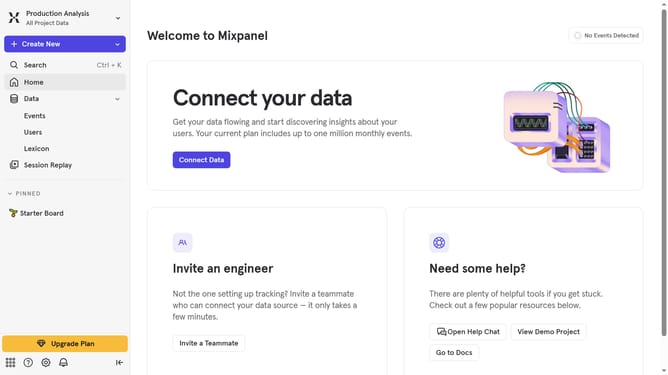
How to reconnect Chameleon in Mixpanel
Here is how to reconnect chameleon in mixpanel
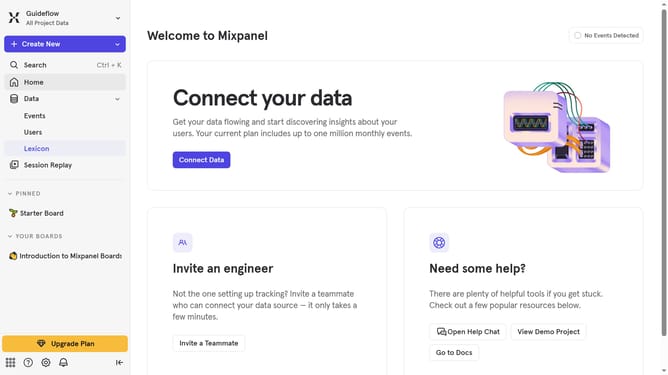
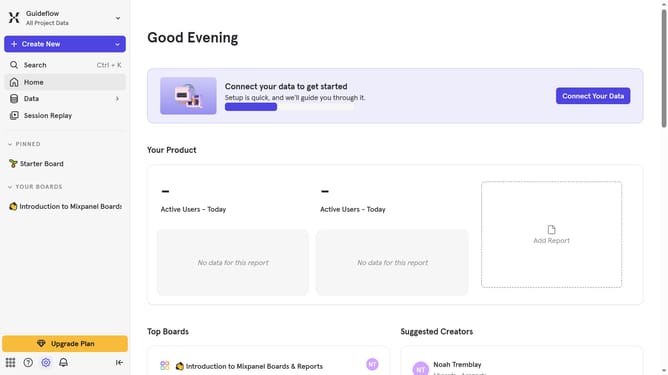
- First click on the gear icon in the bottom left menu
- Then click on "Integrations" in the left sidebar
- Scroll down to view more options
- Click on the Chameleon logo to set up integration
- Then click the "Re-connect" button
- Input your API key into the "API Key" field
- Finally click the "Continue" button
Why should you reconnect Chameleon in Mixpanel
Mixpanel is a powerful analytics platform designed to enhance product and user engagement through data-driven insights.
Reconnecting Chameleon in Mixpanel optimizes your user interaction analytics, facilitating a seamless flow of information between both platforms.
This connection empowers your team to deliver highly relevant content and experiences to users, driven by robust data tracking and analysis.
Ultimately, connecting Chameleon back with Mixpanel ensures a more personalized approach, enhancing user satisfaction and boosting overall engagement.
Last update