How to show description column in events in Mixpanel
Here is how to show description column in events in mixpanel
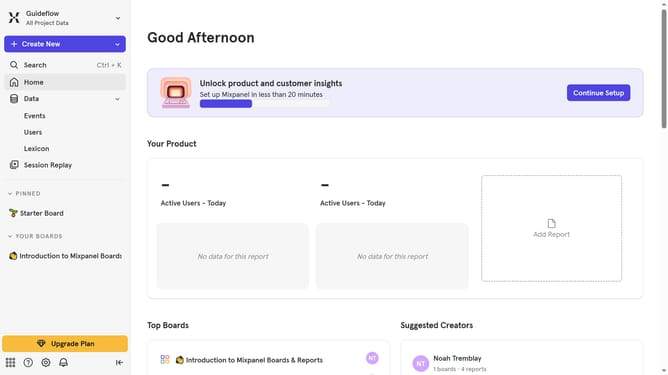
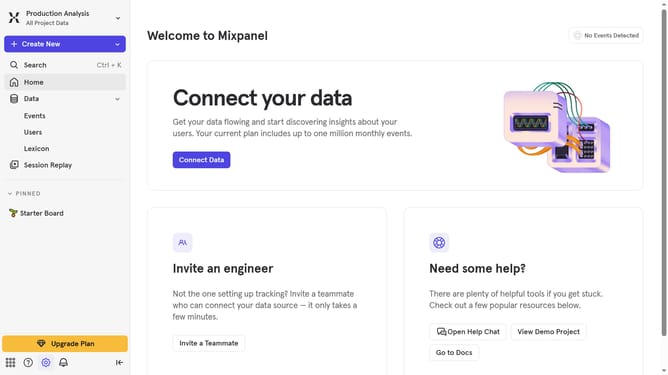
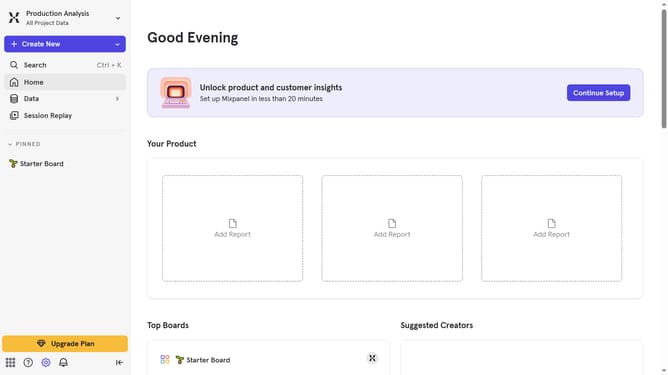
- First click on "Lexicon" item in the left sidebar
- Then click on "Edit Columns" button in the top menu
- Finally select "Description" checkbox in the column settings
Why should you show description column in events in Mixpanel
Mixpanel is a powerful analytics platform designed to help businesses understand user engagement through detailed event tracking.
Incorporating a description column in events within Mixpanel is a game-changer for gaining clearer insights.
By displaying descriptions alongside your events, you can instantly comprehend the purpose and context of each interaction without sifting through dense data, enhancing your ability to make data-driven decisions quickly.
This feature fosters efficient communication among team members, ensuring everyone is aligned with the data’s significance, leading to more informed and agile strategy development.
Last update