How to connect Marketo in Mixpanel
Here is how to connect marketo in mixpanel
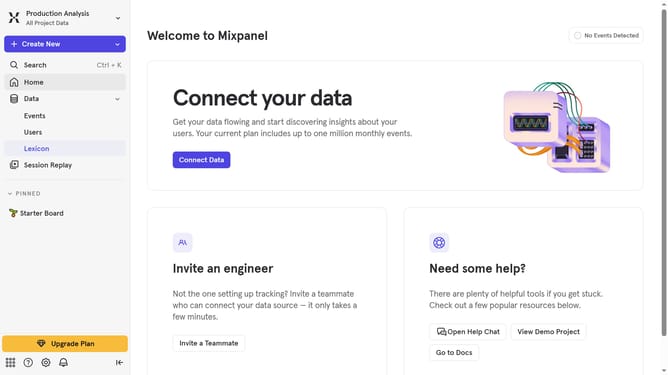
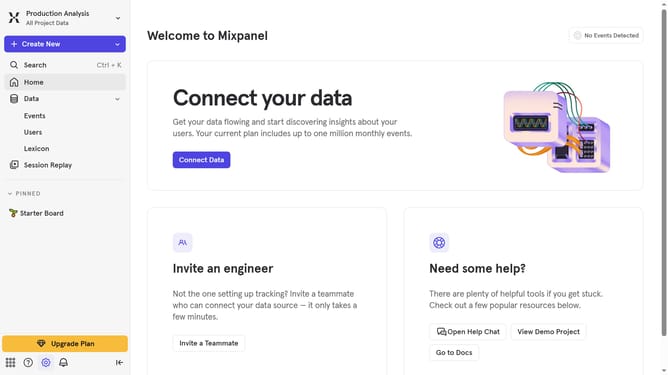
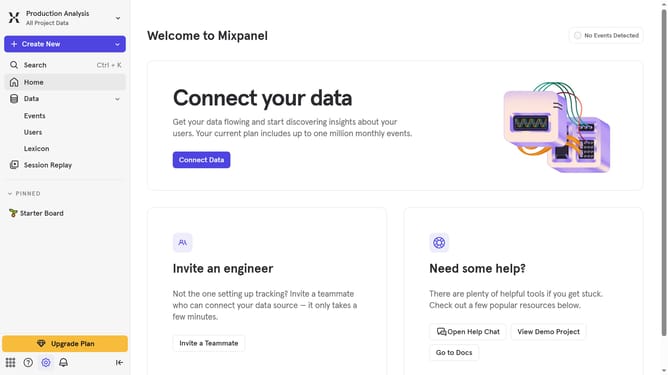
- First click on the "Settings" icon in the bottom left of the sidebar
- Then click on "Integrations" in the sidebar menu
- Then scroll down to view more options
- Next, click on the "Marketo" integration option
- Then click on the connect button for Marketo
- Then click on the "CONNECOTR NAME" input field and type in your connector name
- Next, click on the "CLIENT ID" input field and type in your client's ID
- Then click on the "CLIENT SECRET" text input field and type in your desired client's secret
- Then click on the "REST URL" text input field and enter your rest URL
- Finally, click on the "Continue" button again
Why should you connect Marketo in Mixpanel
Mixpanel is a powerful analytics platform designed to help businesses understand user behavior.
Connecting Marketo with Mixpanel allows you to seamlessly sync data, offering a comprehensive view of customer interactions and campaign performance.
By integrating these tools, you can enhance your marketing strategy, enabling data-driven decision-making for more effective targeting and personalization.
This connection bridges the gap between marketing automation and in-depth analytics, providing invaluable insights into the complete customer journey.
Last update