How to filter audit logs by data and content updates in Mixpanel
Here is how to filter audit logs by data and content updates in mixpanel
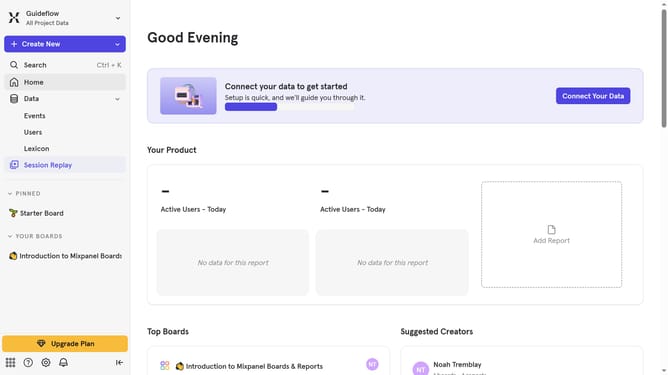
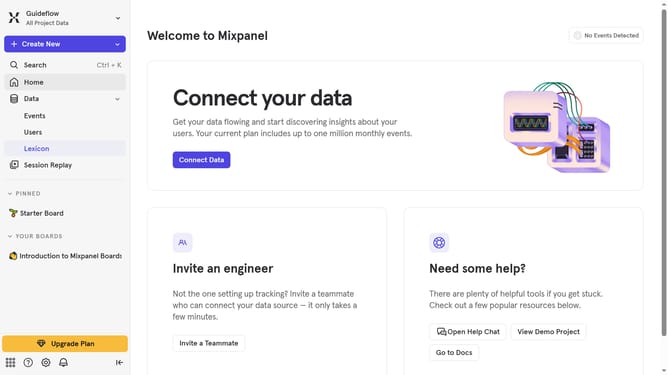
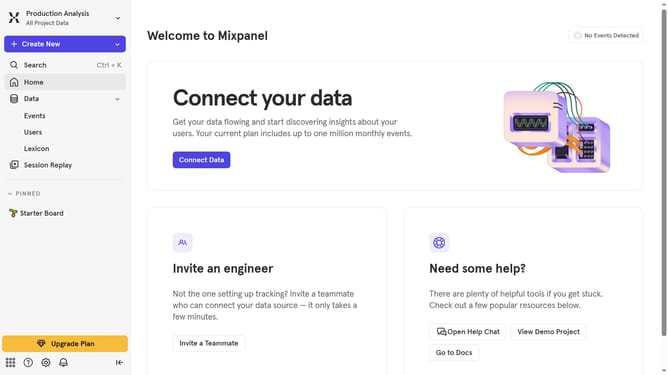
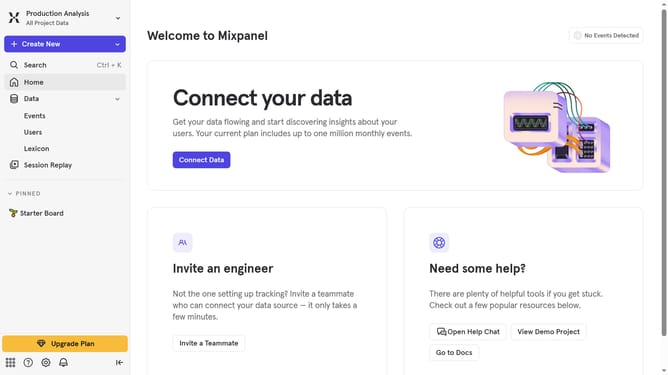
- First click on the settings icon in the bottom left sidebar
- Then hover your mouse cursor over the "Settings" option
- Next click on "Organization Settings" in the revealed menu
- Then click on "Audit Log" in the settings sidebar
- After that click on the "Category" dropdown in the audit log
- Finally click on the "Data and Content Updates" checkbox
Why should you filter audit logs by data and content updates in Mixpanel
Mixpanel is a powerful analytics platform designed to help businesses understand how users interact with their products.
With its ability to filter audit logs by data and content updates, Mixpanel enables users to precisely track changes and modifications. This feature allows organizations to closely monitor data integrity and ensure compliance with internal policies and external regulations.
Utilizing such filtering capabilities not only enhances transparency but also aids in swiftly identifying trends and anomalies, streamlining data management practices.
Last update