How to disconnect Braze in Mixpanel
Here is how to disconnect braze in mixpanel
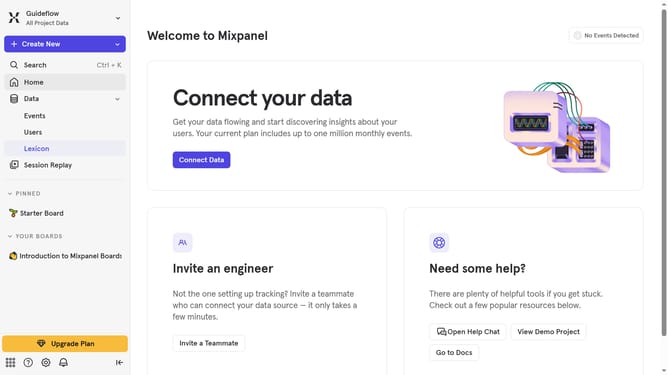
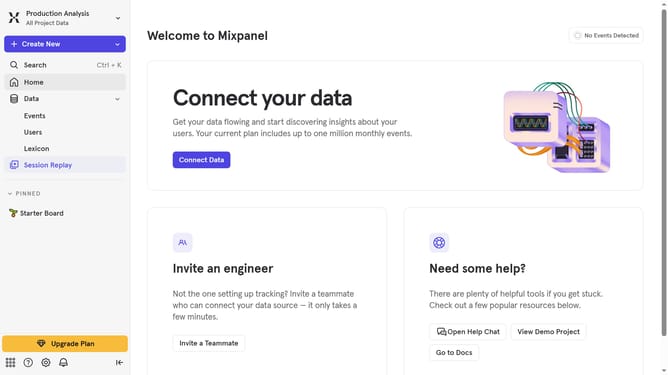
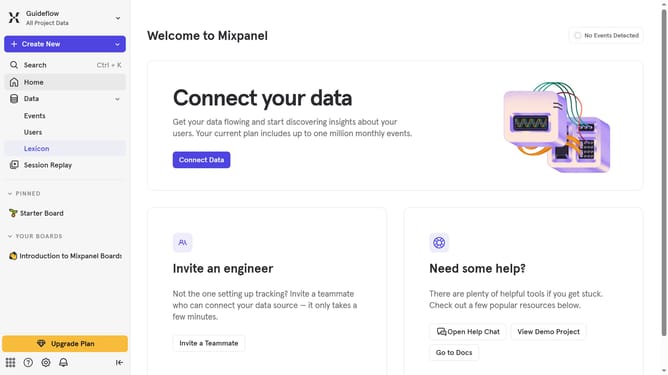
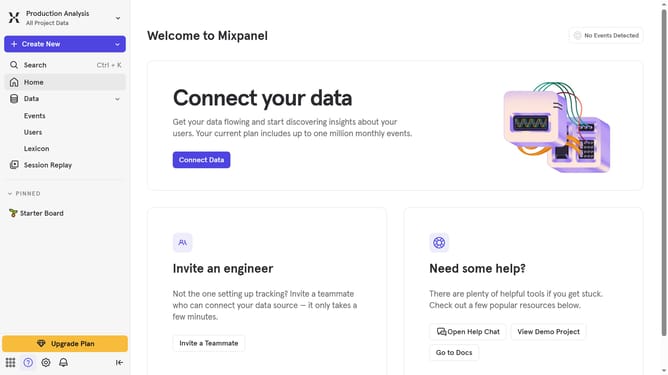
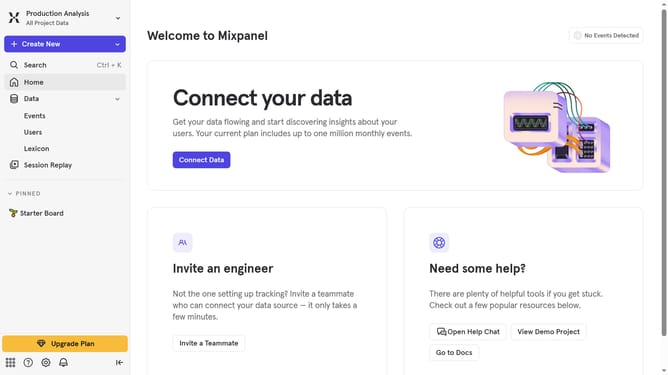
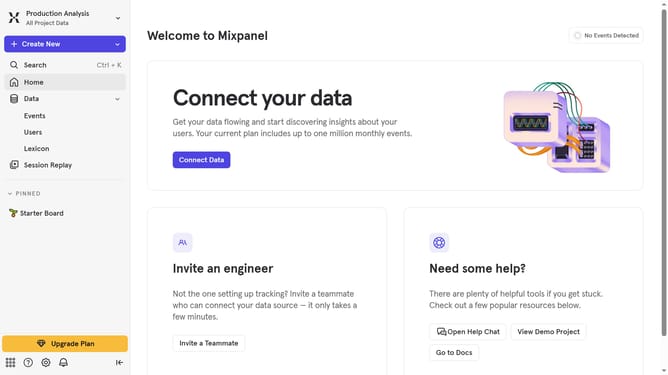
- First click on the settings icon in the bottom left sidebar
- Then click on "Integrations" in the left sidebar menu
- Scroll down to view more options
- Then click on the "Braze" option
- Then click on the "Disconnect" button
- Finally click on the "Disconnect" button in the confirmation pop-up
Why should you disconnect Braze in Mixpanel
Mixpanel is a powerful analytics platform designed to help businesses understand user behavior and optimize their digital presence.
Disconnecting Braze from Mixpanel can streamline your workflow by ensuring that only the most up-to-date and relevant data is being processed, reducing unnecessary data clutter.
This feature allows for more targeted analysis and decision-making, potentially reducing operational costs and enhancing data security by limiting unwanted access to information.
Last update