How to remove hidden status filter from profile properties in Mixpanel
Here is how to remove hidden status filter from profile properties in mixpanel
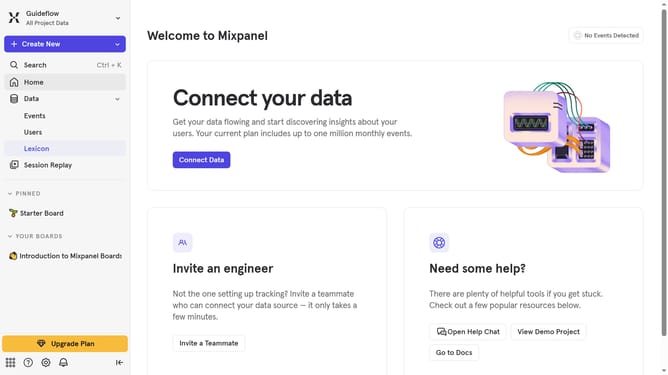
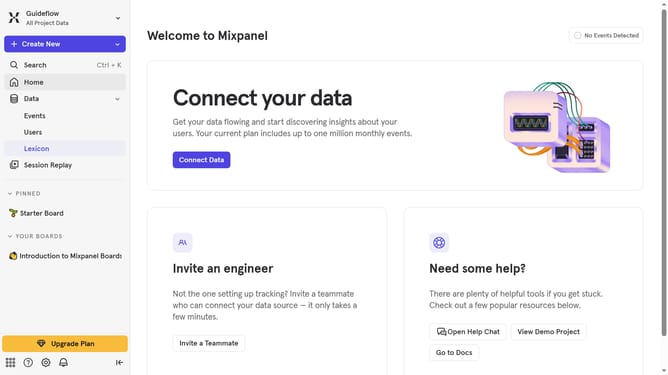
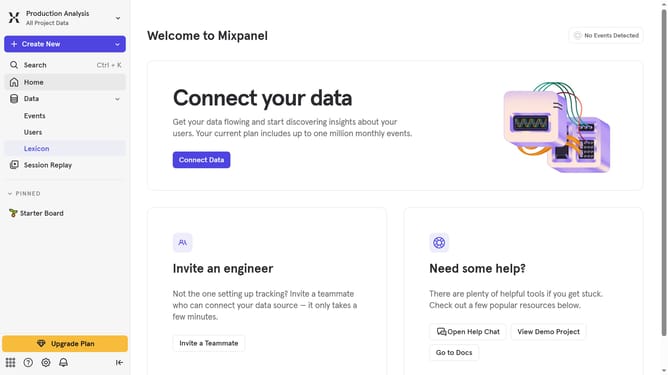
- First, click on "Lexicon" in the left sidebar
- Then, click on "Profile Properties" in the left sidebar
- Next, click on the "Filter" button
- Finally, uncheck the "Hidden" checkbox
Why should you remove hidden status filter from profile properties in Mixpanel
Mixpanel is a versatile analytics platform designed to track user interactions and facilitate data-driven decision-making.
Removing the hidden status filter from profile properties in Mixpanel enhances usability by allowing for a more complete and transparent view of user data.
This feature encourages a comprehensive understanding of user trends, enabling businesses to fine-tune their strategies effectively. By accessing all available data, teams can uncover significant insights that could otherwise be overlooked.
Ultimately, this feature facilitates informed strategic decisions that can drive growth and improve user engagement.
Last update