How to show created column in metrics in Mixpanel
Here is how to show created column in metrics in mixpanel
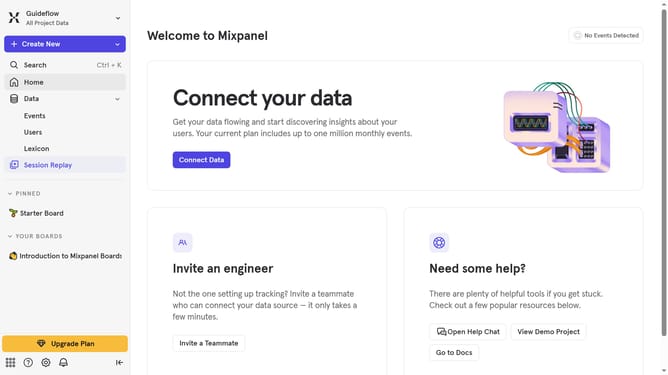
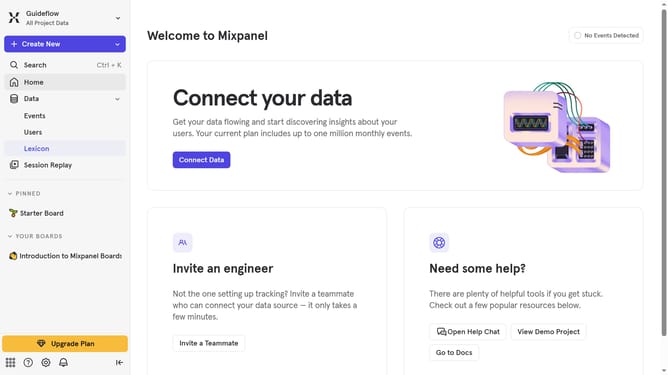
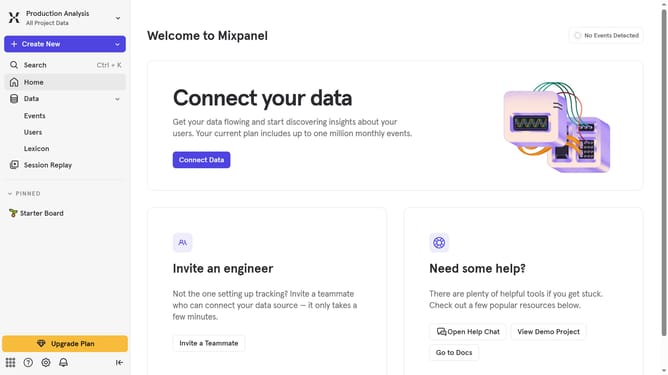
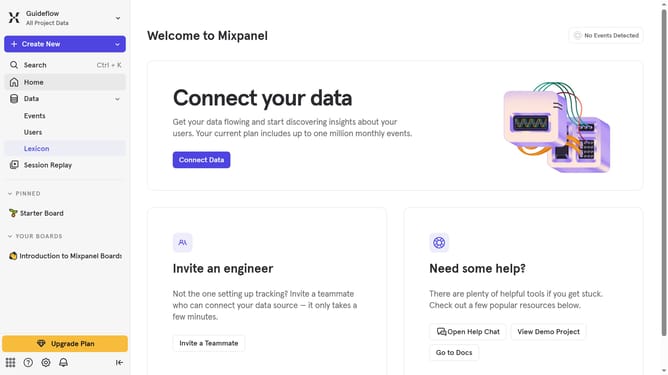
- First click on "Lexicon" in the sidebar
- Then click on "Metrics" in the sidebar
- Next click on "Edit Columns" button
- Finally uncheck the checkbox next to "Created"
Why should you show created column in metrics in Mixpanel
Mixpanel is a powerful analytics platform designed to help businesses understand user behavior and drive growth.
The "created" column in Mixpanel metrics allows you to gain insights into when users engage with specific features of your product.
Displaying this column can be crucial for understanding patterns and trends over time. It enables teams to track the effectiveness of new features, optimize user engagement strategies, and improve overall product experience.
This feature empowers businesses to make data-driven decisions, enhancing their ability to innovate and deliver exceptional value to users.
Last update