How to hide users with property column in profile properties in Mixpanel
Here is how to hide users with property column in profile properties in mixpanel
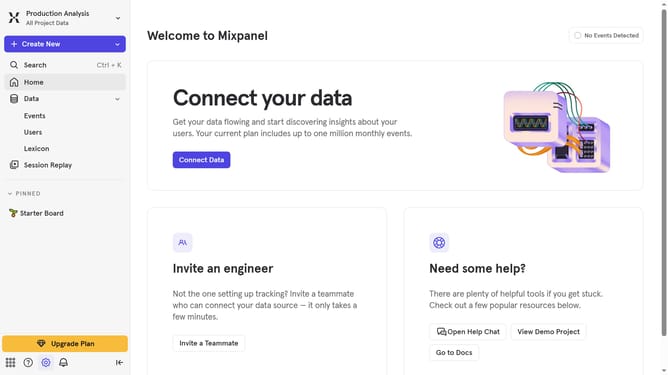
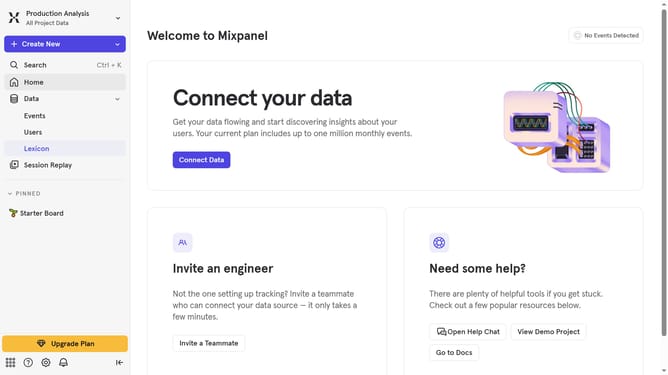
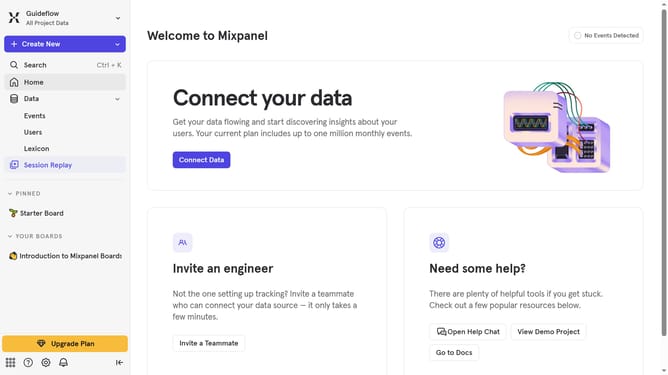
- First click on "Lexicon" link in the left sidebar
- Then click on "Profile Properties" link in the left sidebar
- Next click on "Edit Columns" button
- Finally uncheck the "Users With Property" checkbox in the column selection menu
Why should you hide users with property column in profile properties in Mixpanel
Mixpanel is a powerful analytics tool designed to help businesses understand user behavior to drive better decision-making.
A standout feature in Mixpanel is the ability to hide users using the property column in profile properties. This allows for a more focused data set, ensuring that analyses remain relevant and effective.
By hiding certain users, analytics teams can streamline their data, reducing noise and enhancing the accuracy of insights. This functionality ensures that your team works with the most pertinent information, optimizing strategies and improving outcomes efficiently.
Last update