How to reconnect Leanplum in Mixpanel
Here is how to reconnect leanplum in mixpanel
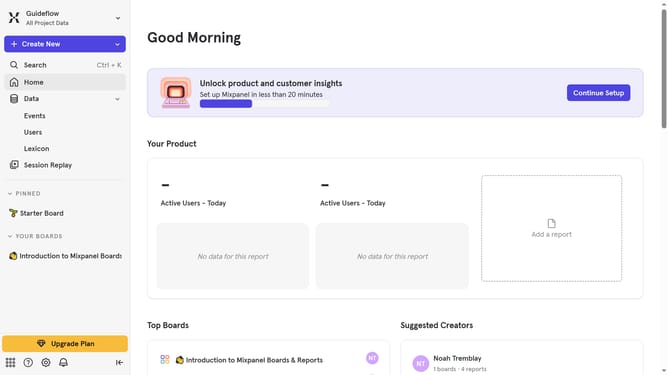
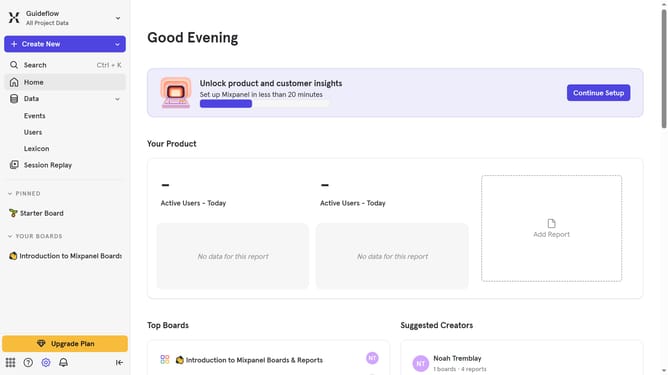
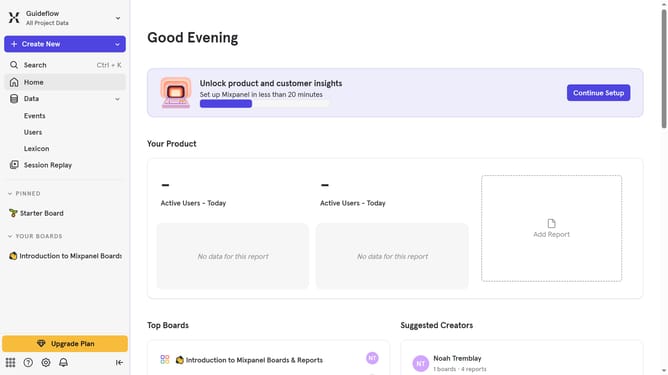
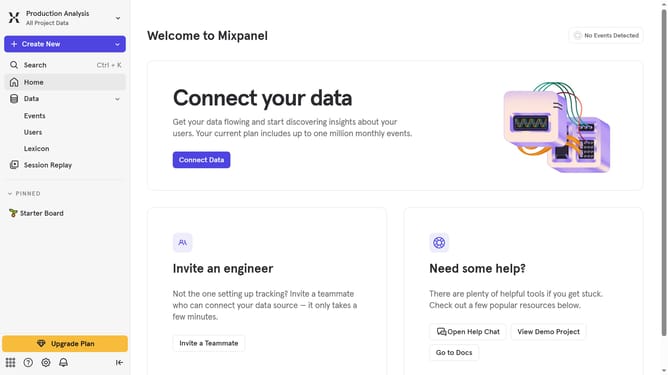
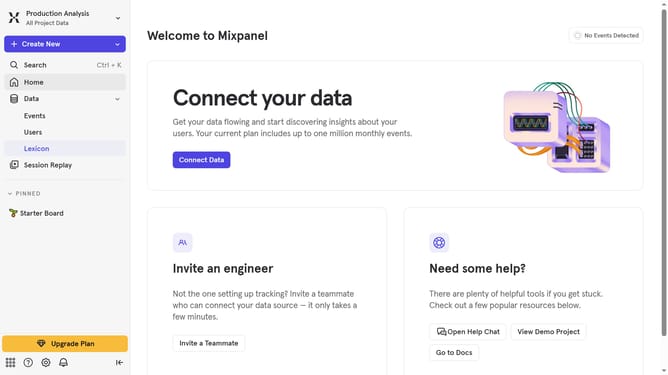
- First click on the settings icon in the bottom left of the sidebar
- Then click on "Integrations" in the sidebar menu
- Next, scroll down to view more options
- Then click on the "Leanplum" integration
- Next, click on the "Re-connect" button
- Then click on the Username input field and type in your desired user name
- Then click on the Password input field and type in your desired password
- Finally click on the "Continue" button
Why should you reconnect Leanplum in Mixpanel
Mixpanel is a powerful analytics platform that helps businesses understand user behavior effectively.
Reconnecting Leanplum in Mixpanel enhances your ability to streamline user engagement and data-driven decision-making. This powerful integration allows for precise targeting and personalization based on user behaviors and preferences.
With Leanplum smoothly linked to Mixpanel, you benefit from enhanced real-time analytics. Enjoy seamless marketing automation, ultimately fostering a more profound connection with your audience.
Last update