How to reconnect Braze in Mixpanel
Here is how to reconnect braze in mixpanel
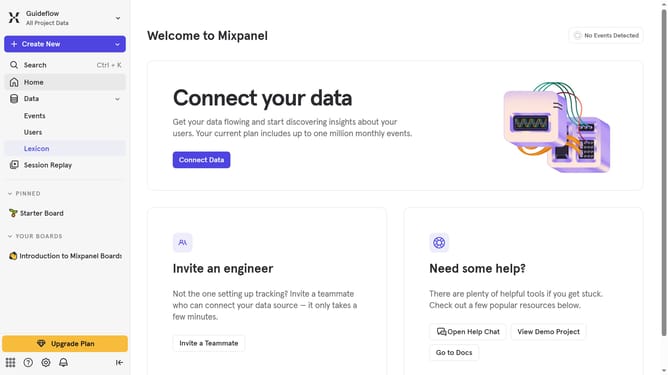
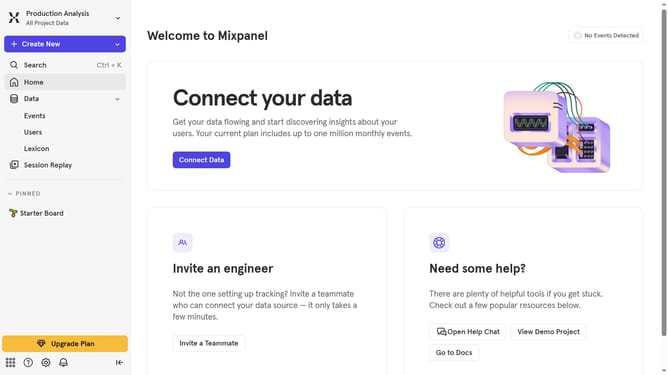
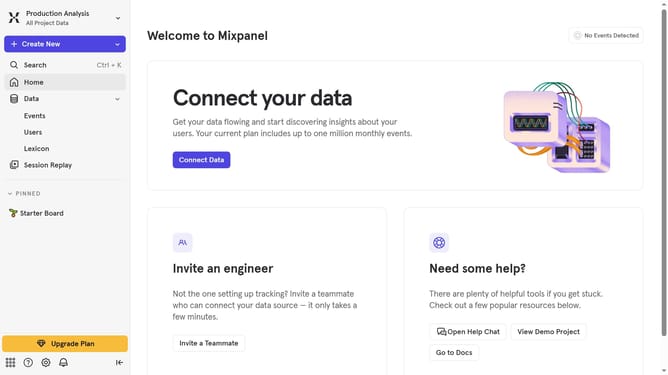
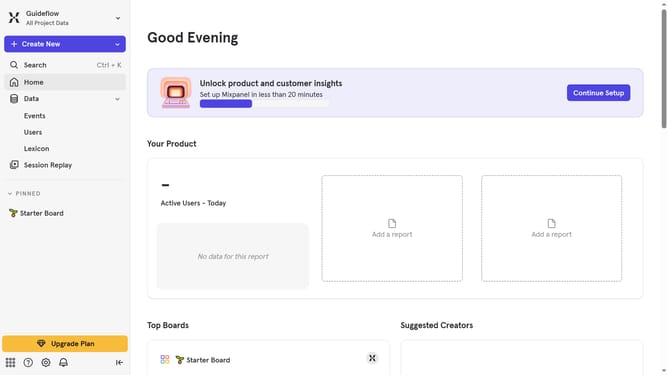
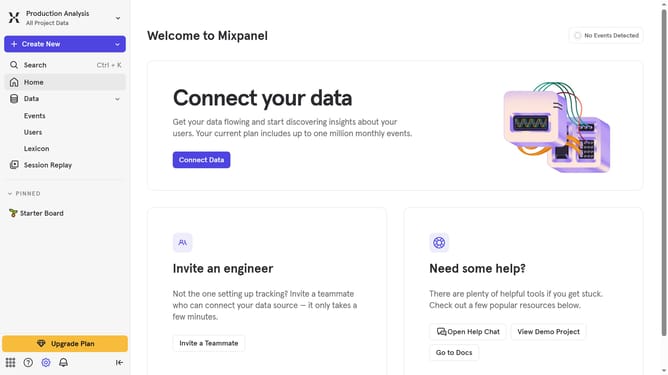
- First, click on the settings icon in the bottom left of the sidebar
- Then select "Integrations" from the left sidebar menu
- Next, scroll down to view more options
- After that, click on the "Blaze" integration
- Then click on the "Re-connect" button
- Next, click the "DATA" IMPORT KEY" text input field and insert or paste your data import key
- Then, select a datacenter to export to from the dropdown menu
- Next, click on your desired datacenter from the list
- Finally, click on the "Continue" button
Why should you reconnect Braze in Mixpanel
Mixpanel is a powerful analytics platform designed to help businesses track user interactions and optimize product decisions.
Reconnecting Braze in Mixpanel ensures seamless data flow between your engagement strategies and user analytics.
This feature allows you to maintain a continuous loop of insights, improving how you understand and interact with your audience.
By aligning these tools, you enhance the precision of your marketing campaigns and drive better user experiences effortlessly.
Last update