How to disconnect Kameleoon in Mixpanel
Here is how to disconnect kameleoon in mixpanel
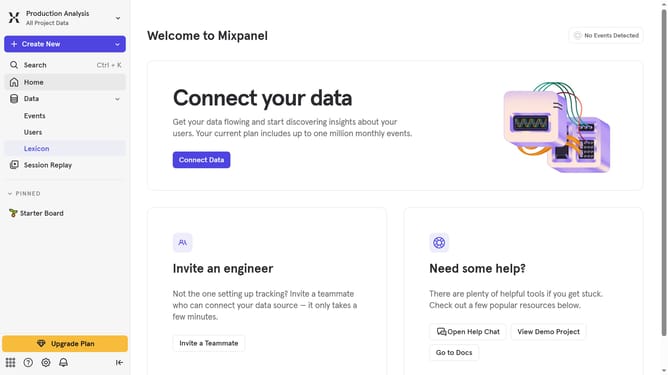
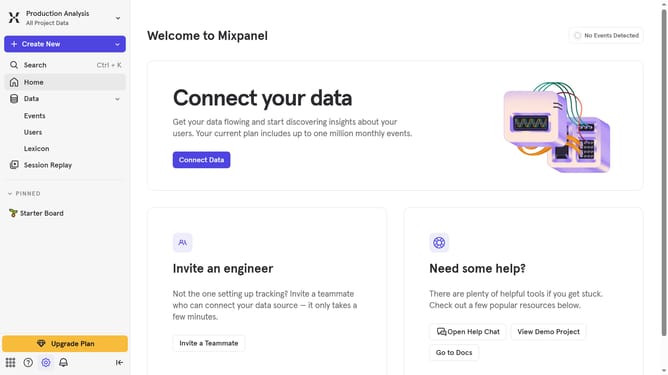
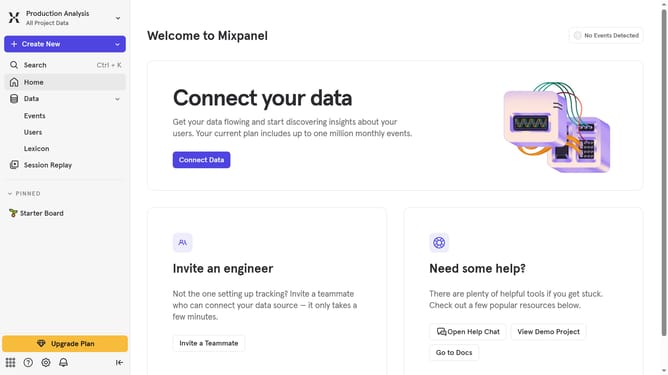
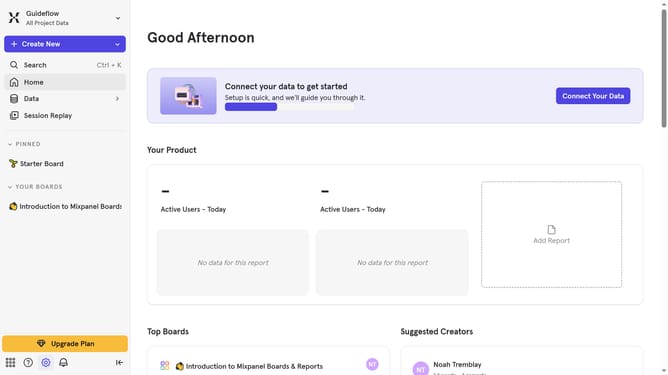
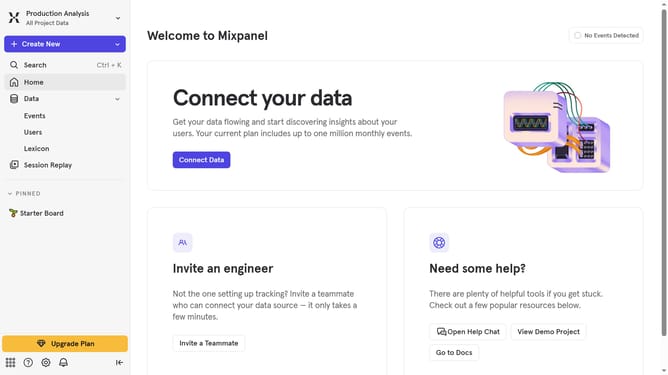
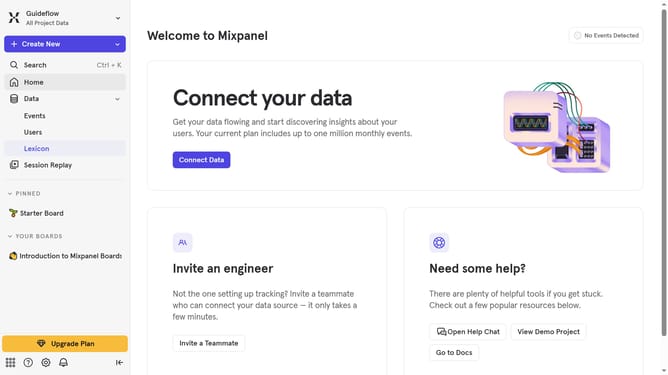
- First, click on the settings icon in the bottom left corner of the screen
- Next, from the left sidebar menu, click on "Integrations"
- Then, scroll down to view more options
- After that, scroll down to find and click on "Kameleoon"
- Then, in the Kameleoon integration section, click on the "Disconnect" button
- Finally, confirm the disconnection by clicking the "Disconnect" button in the confirmation dialog
Why should you disconnect Kameleoon in Mixpanel
Mixpanel is a powerful tool for tracking user interactions and analyzing data to improve your digital products.
Disconnecting Kameleoon from Mixpanel enables you to streamline your analytic processes, ensuring that your team works with the most relevant tools tailored to their needs.
By disconnecting the two, you can prevent data clutter, allowing your team to focus on actionable insights that drive engagement and growth.
This flexibility helps in maintaining a clean, focused, and effective data ecosystem, maximizing efficiency and potential for innovation.
Last update