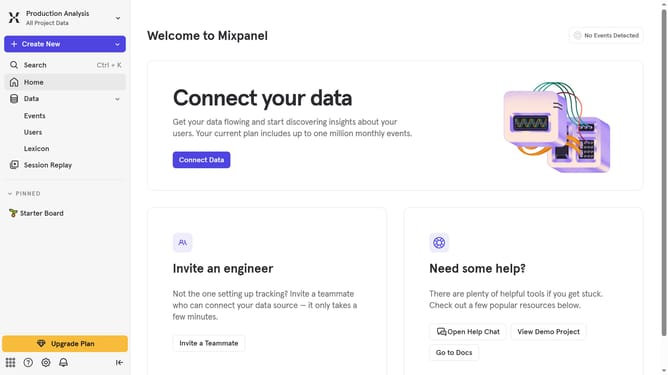
How to filter audit logs by team updated in Mixpanel
Here is how to filter audit logs by team updated in mixpanel
- First click on the gear icon in the bottom left sidebar
- Then hover your mouse cursor over the "Settings" option
- Next, click on "Organization Settings"
- In the left navigation menu, click on "Audit Log"
- Then click on the "Action" dropdown
- After that, scroll down to view more option
- Finally, click on the checkbox next to "Team Updated"
Why should you filter audit logs by team updated in Mixpanel
Mixpanel is a powerful analytics platform designed to help businesses gain actionable insights into user behavior.
One of its advanced features allows users to filter audit logs by team updates. This functionality is particularly beneficial for organizations because it enables precise tracking of changes made by specific teams.
By using this feature, businesses can streamline their auditing processes, enhancing accountability and ensuring compliance. It ultimately fosters a clearer understanding of team dynamics and responsibility distribution.
Last update