How to hide description column in behaviors in Mixpanel
Here is how to hide description column in behaviors in mixpanel
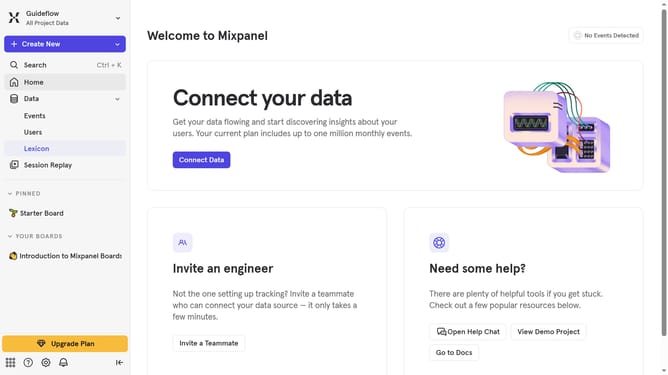
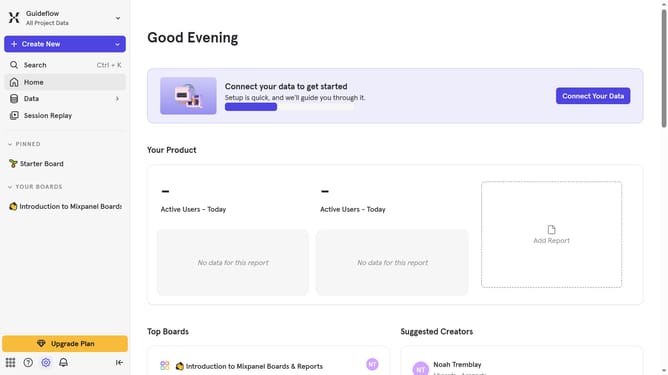
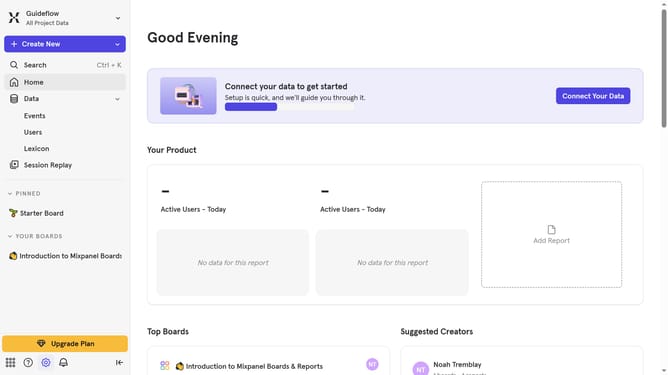
- First click on "Lexicon" in the left sidebar
- Then click on "Behaviors" in the left sidebar
- Next, click on the "Edit Columns" button
- Finally, uncheck the checkbox next to "Description"
Why should you hide description column in behaviors in Mixpanel
Mixpanel is a powerful analytics tool designed to help businesses gain insight into user interactions with their digital products.
Hiding the description column in Mixpanel's behaviors feature can streamline data presentation, ensuring that you focus only on the most crucial metrics. By reducing visual clutter, it facilitates faster decision-making and enhances the analysis process.
This feature proves beneficial by helping teams maintain a clean dashboard, which is particularly advantageous in fast-paced environments where efficiency is paramount.
Last update