How to filter audit logs by event definition deleted in Mixpanel
Here is how to filter audit logs by event definition deleted in mixpanel
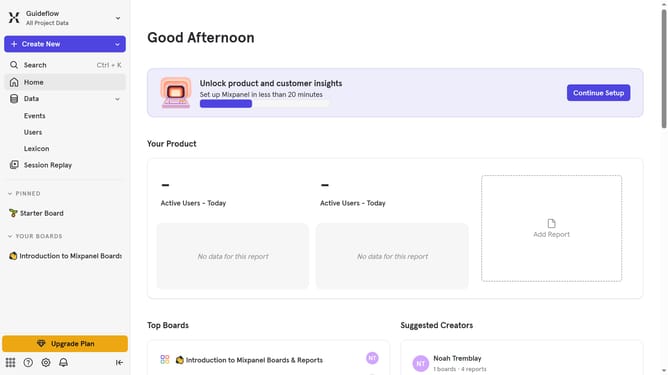
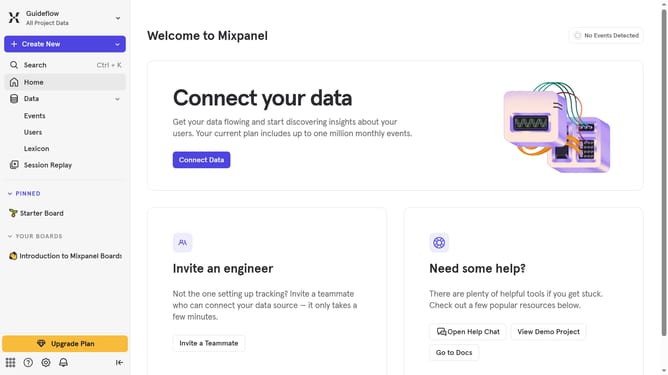
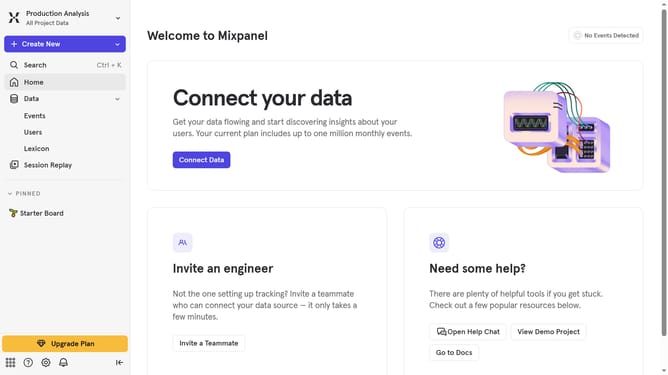
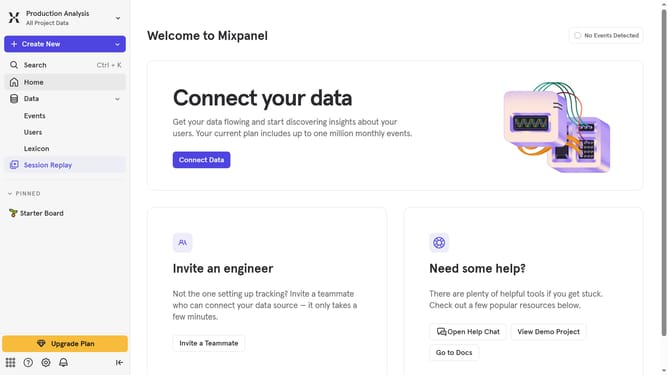
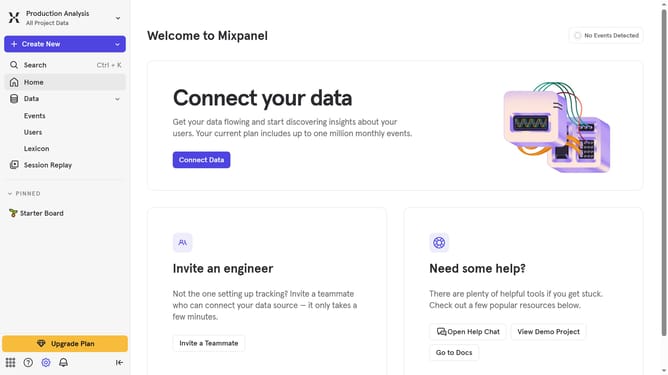
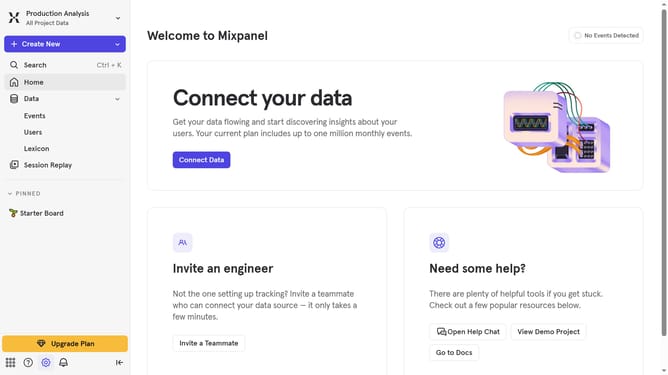
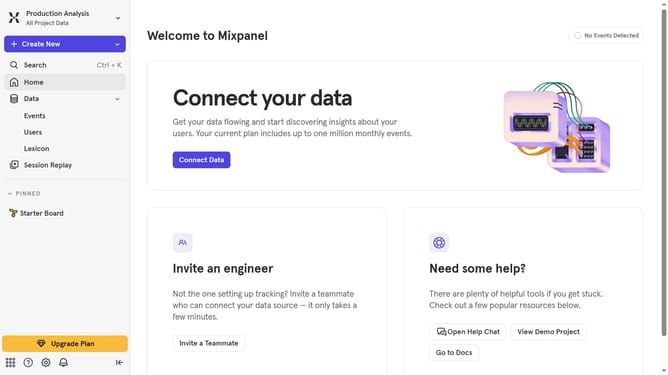
- First click on the gear icon in the bottom left sidebar
- Then hover your mouse cursor over the "Settings" menu
- Next, click on the "Organization Settings"
- After that, click on the "Audit Log" option
- Next click on the "Action" dropdown menu
- Then scroll down in the action dropdown menu to view more options
- Finally, click on the checkbox next to "Event Definition Deleted"
Why should you filter audit logs by event definition deleted in Mixpanel
Mixpanel is a powerful analytics tool designed to understand and improve user engagement.
By filtering audit logs by event definition deleted, users can easily track changes within their Mixpanel account. This feature ensures that users remain informed about any significant updates or past data modifications.
Utilizing this feature aids in maintaining a clear historical record, allowing teams to safeguard data integrity and respond swiftly to any unauthorized changes. Such transparency and efficiency enhance accountability in data management processes.
Last update