How to filter audit logs by experiment deleted in Mixpanel
Here is how to filter audit logs by experiment deleted in mixpanel
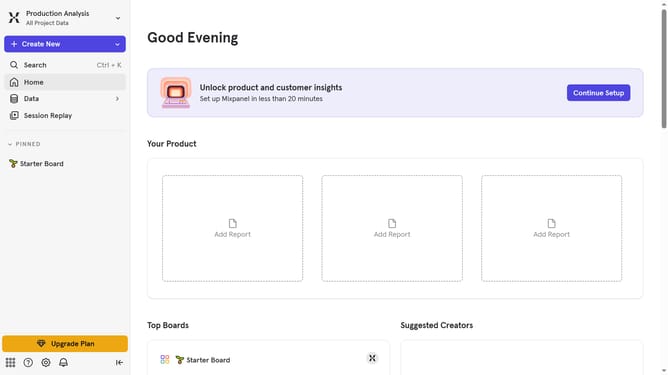
- First click on the "Settings" icon in the bottom left of the page
- Then hover your mouse cursor over the settings option in the sidebar menu
- Next click on the "Organization Settings" option
- Then click on the "Audit Log" option in the left sidebar
- Next click on the "Action" dropdown menu
- Then scroll down in the dropdown menu to view more option
- Finally select the "Experiment Deleted" checkbox
Why should you filter audit logs by experiment deleted in Mixpanel
Mixpanel is a powerful analytics tool designed to help businesses understand the behavior and actions of their users.
One of the standout features of Mixpanel is its ability to filter audit logs by experiments that have been deleted. This feature allows users to efficiently track changes and maintain transparency across their projects.
Using this feature ensures that teams stay informed about past experiments, promoting a culture of accountability and data-driven decision-making. It also streamlines the auditing process by keeping logs organized and accessible.
Last update