How to disconnect Apptimize in Mixpanel
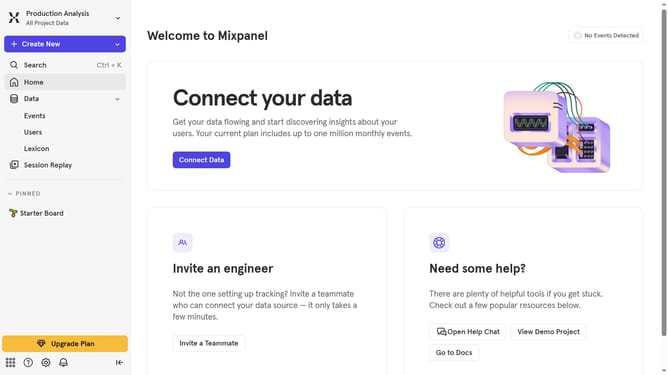
Here is how to disconnect apptimize in mixpanel
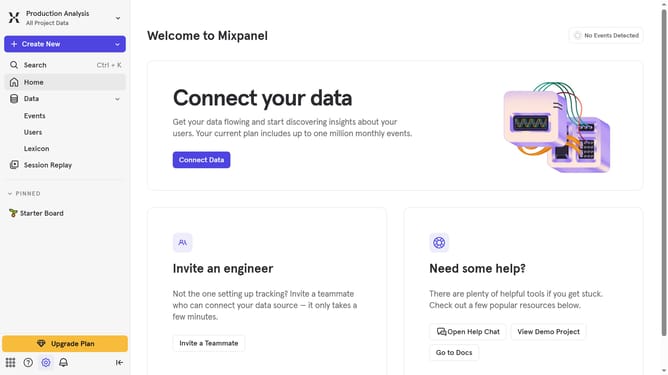
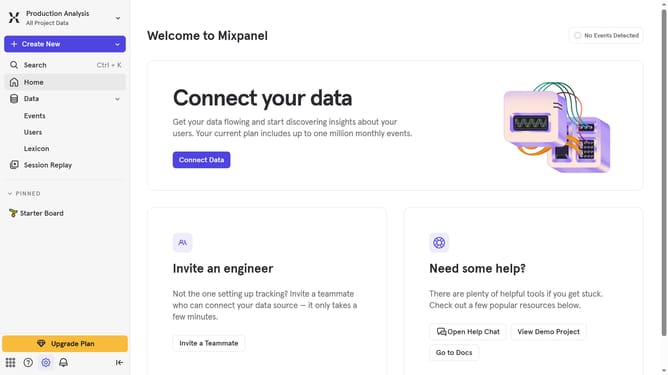
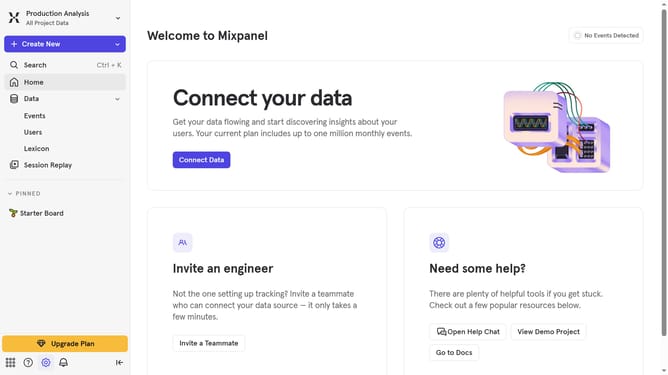
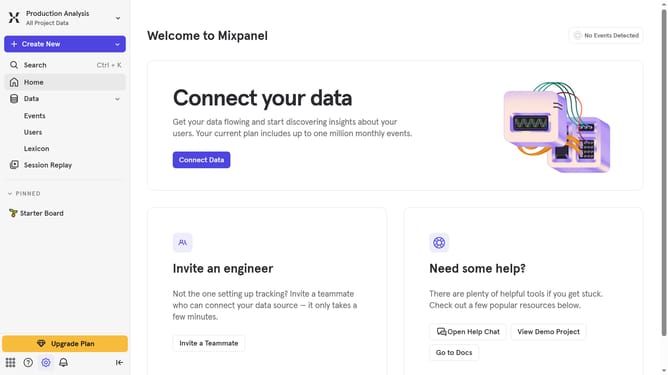
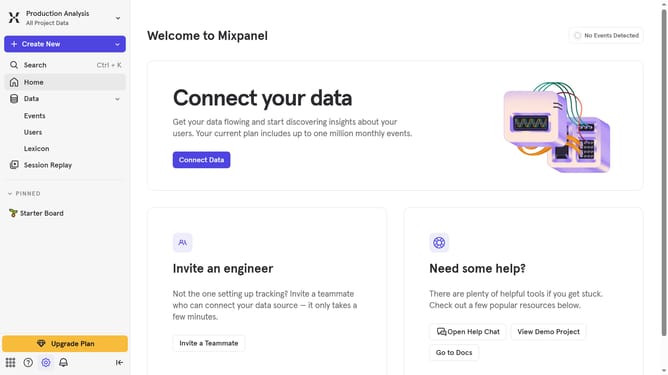
- First click on the settings icon in the bottom left corner
- Then click on "Integrations" in the sidebar menu
- Next, scroll down to view more options
- Subsequently, click on "Apptimize" to open its details
- After that, click on the "Disconnect" button
- Finally, click on the "Disconnect" button in the confirmation dialog
Why should you disconnect Apptimize in Mixpanel
Mixpanel is a powerful analytics platform designed to help businesses understand user interactions with their products.
When disconnecting Apptimize from Mixpanel, you’re ensuring that your data integration remains clean and relevant.
This action allows for greater flexibility, enabling you to manage integrations that are only necessary, thereby improving the efficiency of data management.
By keeping your tools aligned with your current goals, you enhance focus and boost overall productivity.
Last update