How to reconnect CleverTap in Mixpanel
Here is how to reconnect clevertap in mixpanel
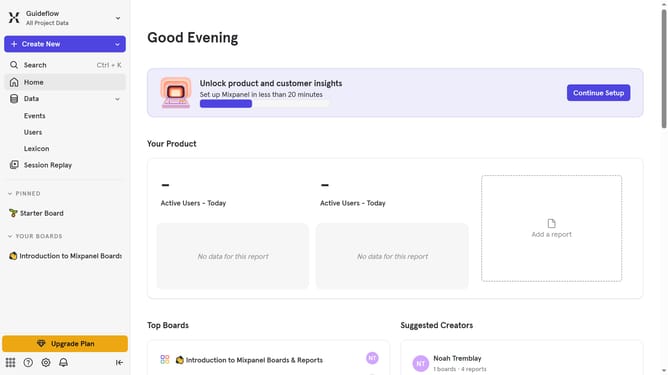
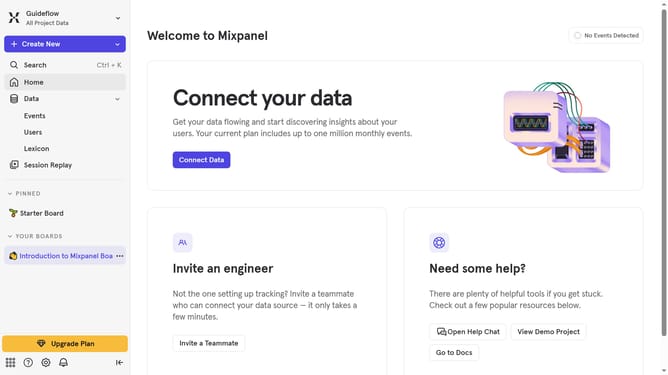
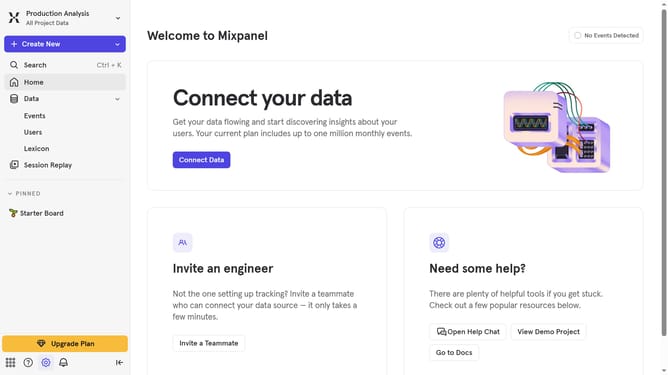
- First click on the settings gear icon in the bottom left corner of the screen
- In the left sidebar menu, click on "Integrations"
- Next, scroll down to view more options
- In the main content area, click on "CleverTap" integration
- Click on the "Re-connect" button
- In the "Set up CleverTap" modal, click on the "PROJECT ID" input field and type in your desired project id
- Then click on the "PASSCODE" input field and type in your desired password
- Then click on the "CLEVERTAP DATACENTER" dropdown list
- Next, select your desired datacenter option from the list
- Click on the "Continue" button
Why should you reconnect CleverTap in Mixpanel
Mixpanel is a powerful analytics tool that empowers businesses to understand user behavior and drive growth.
Reconnecting CleverTap in Mixpanel seamlessly integrates rich customer insights and advanced engagement capabilities. This connection is essential for leveraging comprehensive data analysis while maintaining user engagement features.
By reconnecting, users can ensure more accurate data synchronization and derive actionable insights, enhancing decision-making and offering tailored user experiences effortlessly.
This feature ultimately bridges the gap between analytics and engagement tools, optimizing business strategy efficiently.
Last update