How to filter behaviors by funnel in Mixpanel
Here is how to filter behaviors by funnel in mixpanel
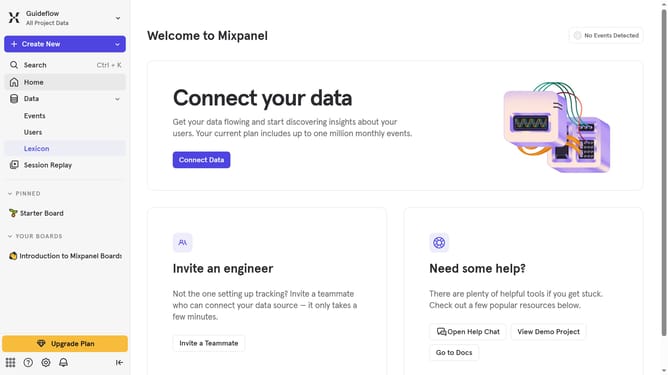
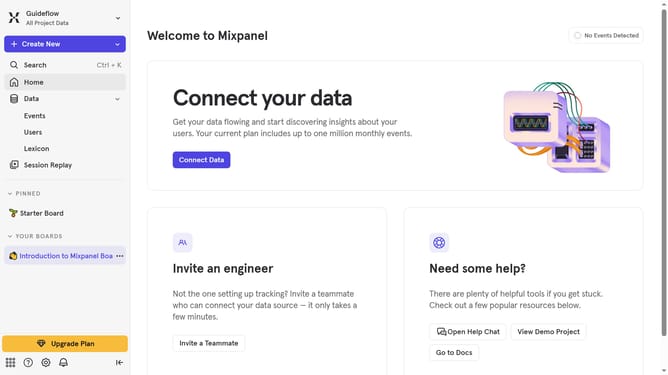
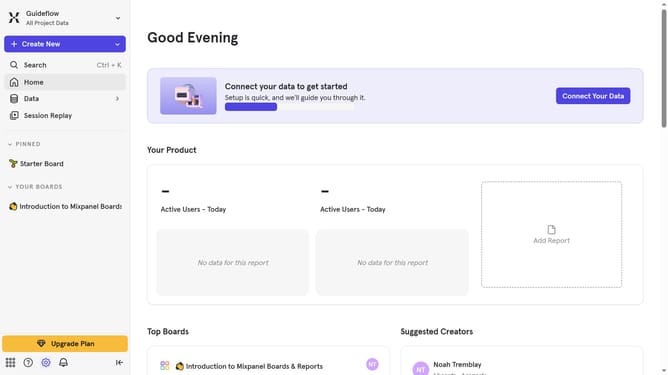
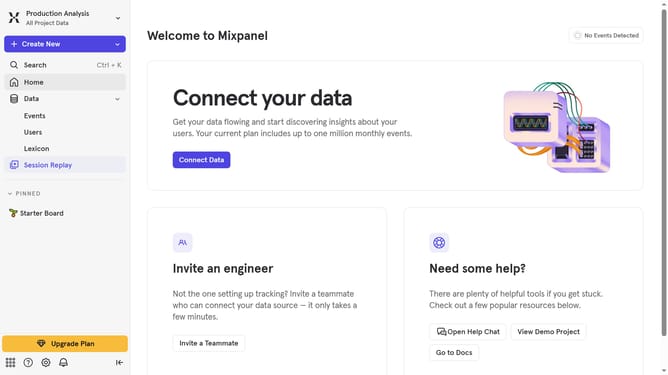
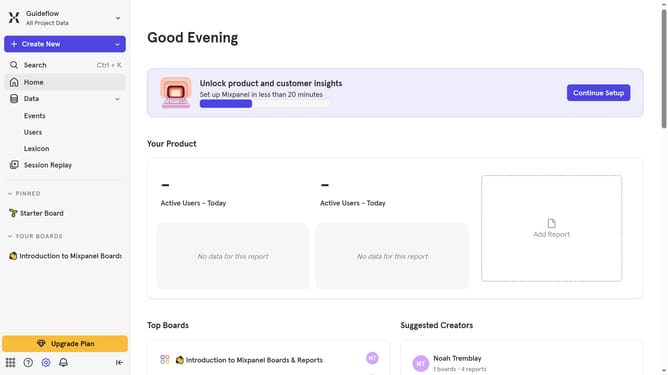
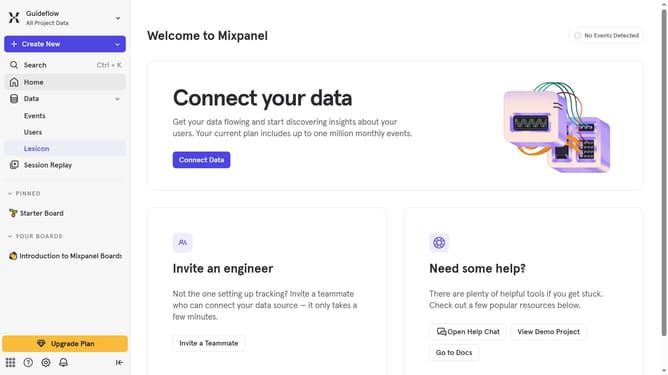
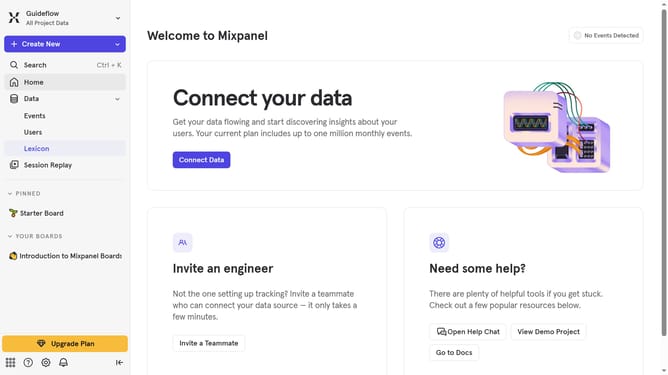
- First click on "Lexicon" in the left sidebar
- Then click on "Behaviors" in the left sidebar
- Next click on the "Filter" button
- Finally select the "Funnel" checkbox
Why should you filter behaviors by funnel in Mixpanel
Mixpanel is a powerful analytics platform designed to help businesses understand user interactions with their products.
Filtering behaviors by funnel in Mixpanel allows you to focus on specific user actions within the different stages of your customer journey.
This filtering capability helps companies identify critical drop-offs or bottlenecks, providing valuable insights for optimization.
By using funnel filters, you can enhance your product's user experience, ensuring that each step effectively leads users toward their desired actions.
Last update