How to show display name column in custom profile properties in Mixpanel
Here is how to show display name column in custom profile properties in mixpanel
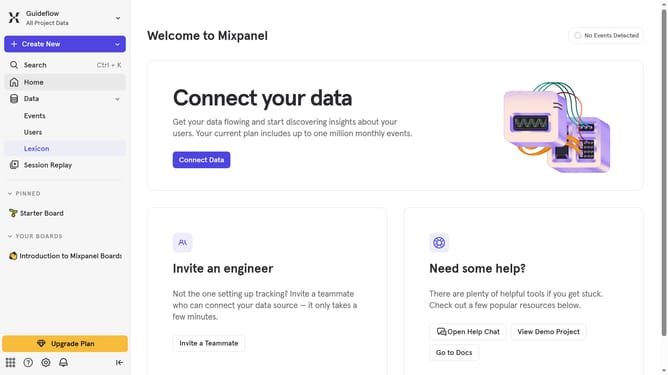
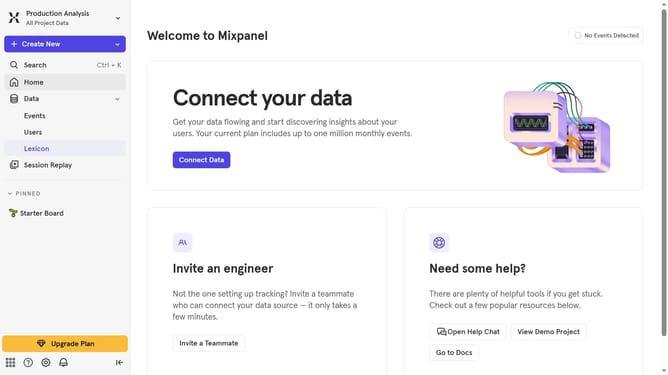
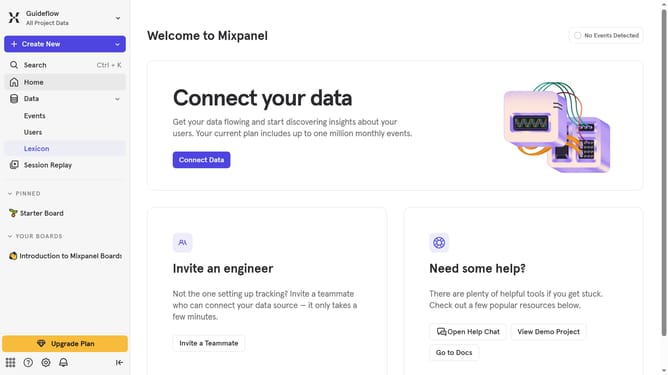
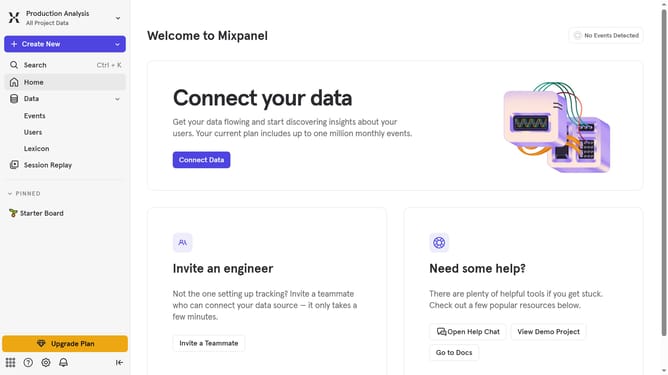
- First click on "Lexicon" item in the left sidebar
- Then click on "Custom Profile Properties" item in the left sidebar
- Next click on "Edit Columns" button
- Finally select "Display name" checkbox
Why should you show display name column in custom profile properties in Mixpanel
Mixpanel is a powerful analytics platform that helps businesses measure user interactions and build better products.
One of its features is the ability to display a name column in custom profile properties, streamlining how you visualize data profiles.
By activating this feature, teams can quickly identify and organize user data, making analytics more intuitive.
This enhanced clarity leads to improved decision-making, allowing for more personalized and effective user engagement strategies.
Last update