How to invite a user for the analyst role in Mixpanel
Here is how to invite a user for the analyst role in mixpanel
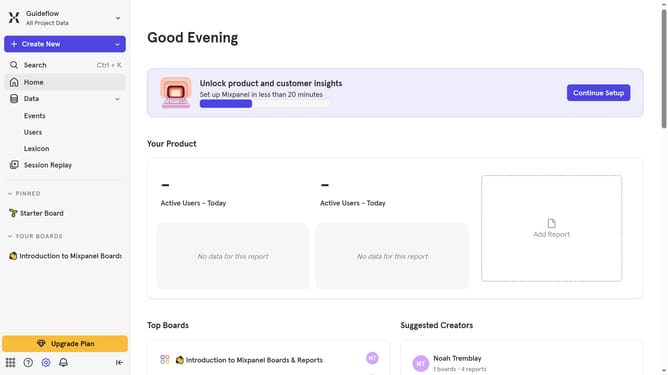
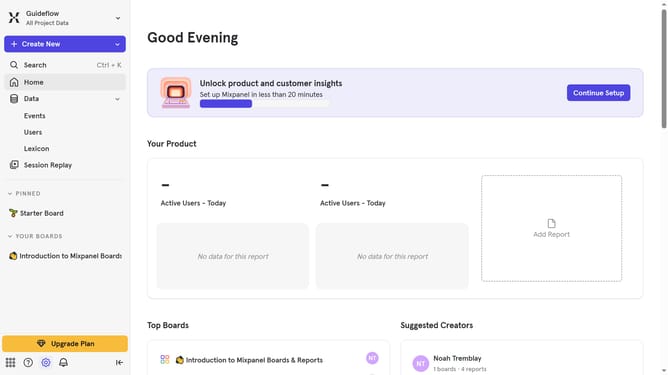
- First click on the "Settings" icon in the bottom left menu
- Then click on "Settings" in the side menu
- Next click on "Project Settings" from the dropdown menu
- Then click on "Project Users" in the left sidebar
- After that click on "+ Invite Users" button
- Then click on the "Select users or enter an email to invite" dropdown menu
- Next click on the text input field and type in the email of the person you want to invite as an analyst
- Then click on the suggested results
- Finally click on the "Invite" button
Why should you invite a user for the analyst role in Mixpanel
Mixpanel is an advanced analytics platform empowering businesses to deeply understand product usage and user behavior.
Inviting a user to the analyst role in Mixpanel facilitates collaborative insights and decision-making by granting data access and analytical tools explicitly designed for analytical tasks.
This feature streamlines team integration by allowing analysts to interpret data effectively, leading to informed strategy development. The ease of adding team members enhances the overall efficiency and productivity of data-driven initiatives.
Last update