How to show display name column in event properties in Mixpanel
Here is how to show display name column in event properties in mixpanel
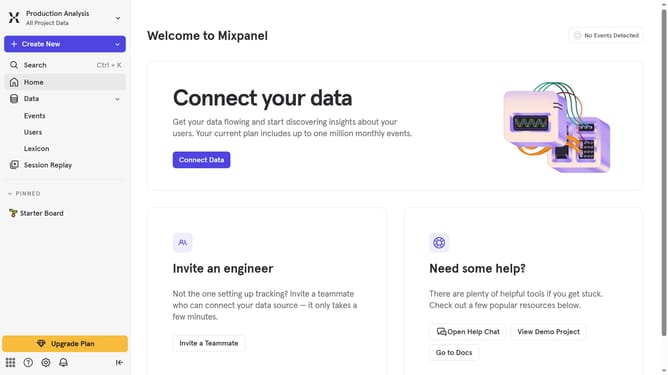
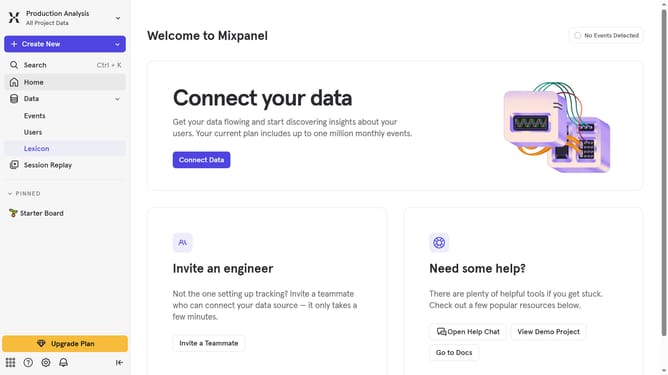
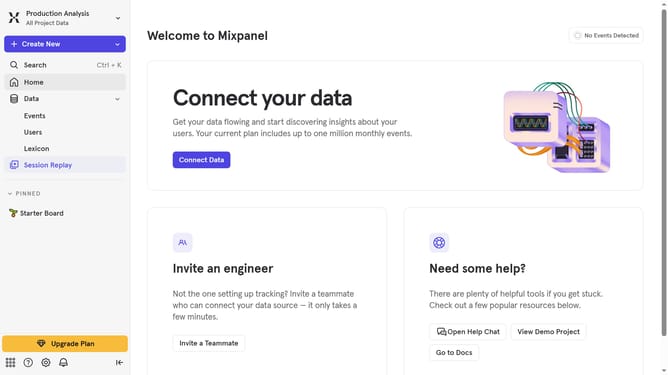
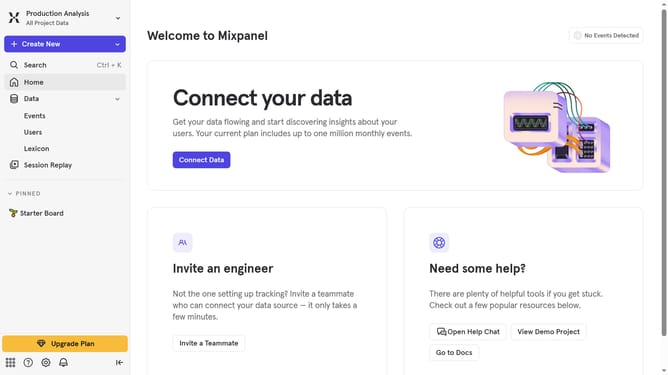
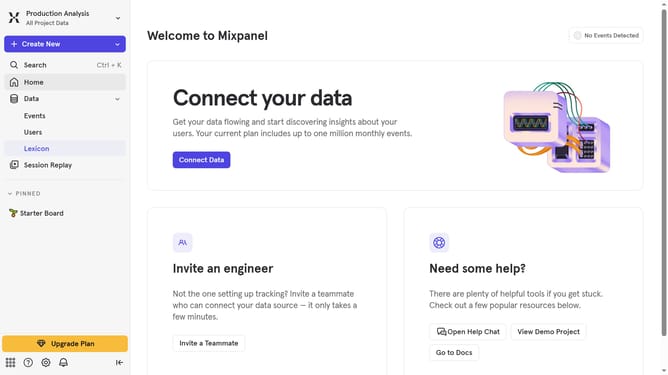
- First, click on the "Lexicon" item in the left sidebar
- Then, click on the "Event Properties" option in the left sidebar
- Next, click on the "Edit Columns" button
- Finally, select the "Display name" checkbox
Why should you show display name column in event properties in Mixpanel
Mixpanel is a powerful analytics platform designed to help businesses understand user behavior and drive decision-making.
One standout feature is its ability to show the display name column in event properties, which significantly enhances data clarity.
By associating user-friendly names with your data properties, it becomes easier to interpret complex datasets at a glance.
This functionality not only boosts efficiency but also empowers teams to make informed decisions quickly, fostering a deeper connection between the data and actionable business insights.
Last update