How to hide last edited column in lookup tables in Mixpanel
Here is how to hide last edited column in lookup tables in mixpanel
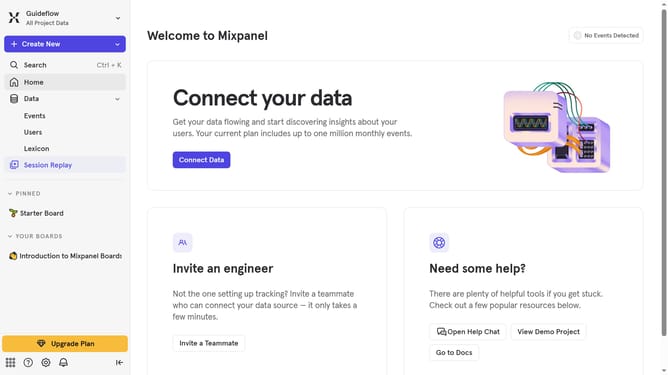
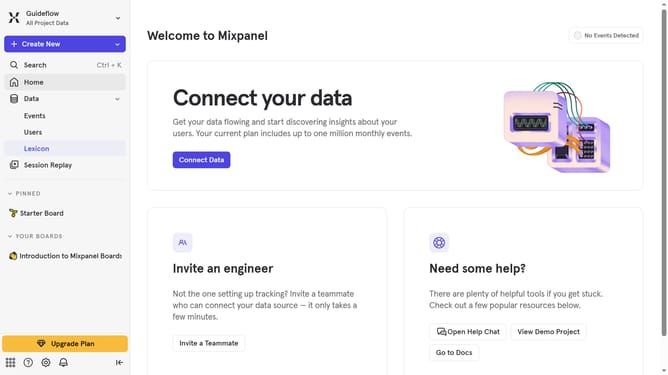
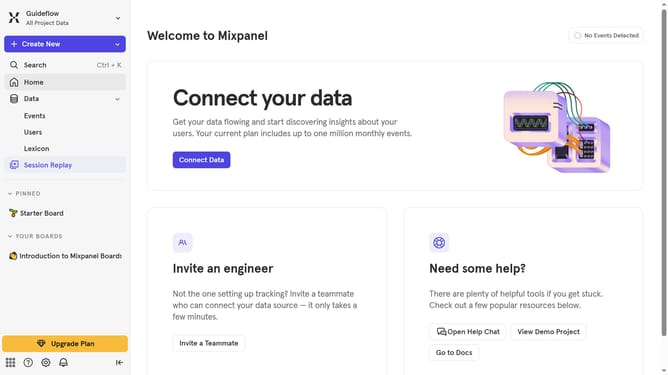
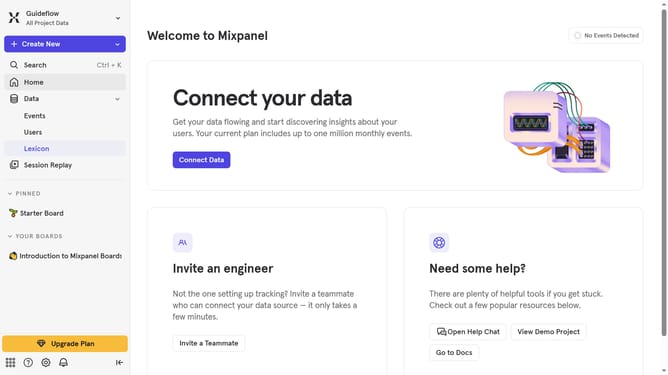
- First click on "Lexicon" in the sidebar
- Then click on "Lookup Tables" in the sidebar
- Next click on "Edit Columns" button
- Finally uncheck the checkbox next to "Last edited" in the column editor
Why should you hide last edited column in lookup tables in Mixpanel
Mixpanel is a powerful analytics tool designed to help users understand and optimize user behavior in their applications.
The option to hide the "last edited" column in lookup tables within Mixpanel can enhance data presentation, offering a cleaner view for data analysis.
Utilizing this feature, users can streamline their data interfaces by focusing only on the most relevant columns. This facilitates a faster analysis process and improves team collaboration by minimizing unnecessary data distractions.
Last update