How to hide example value column in event properties in Mixpanel
Here is how to hide example value column in event properties in mixpanel
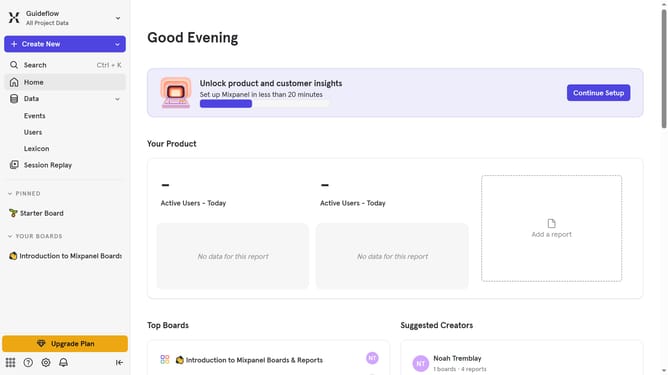
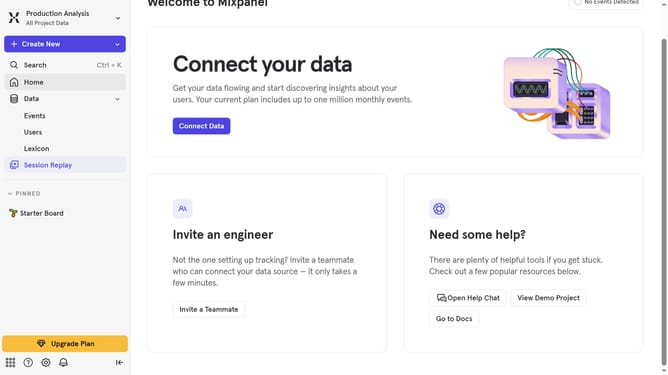
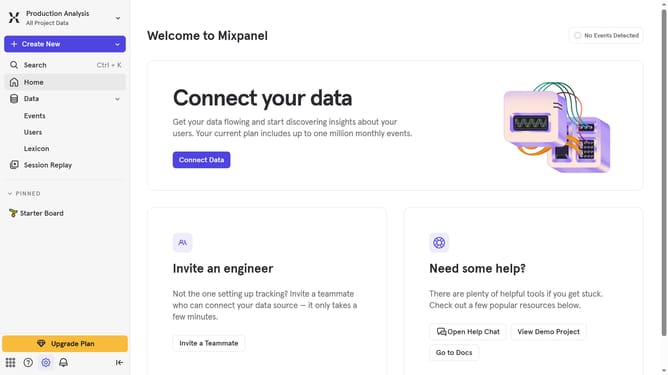
- First click on the "Lexicon" option in the navigation menu
- Then select "Event Properties" from the sidebar menu
- Next, click on the "Edit Columns" button
- Finally, uncheck the checkbox next to "Example Value"
Why should you hide example value column in event properties in Mixpanel
Mixpanel is a leading analytics platform that empowers businesses to understand user behavior within digital products.
The option to hide the example value column in event properties allows teams to maintain a clutter-free view of data that's essential for focused analysis.
This feature ensures that users can prioritize high-impact insights over secondary data, keeping your team focused and efficient.
By using this feature, you can streamline your data sets, ultimately improving decision-making and optimizing your product strategies.
Last update