How to show display name column in profile properties in Mixpanel
Here is how to show display name column in profile properties in mixpanel
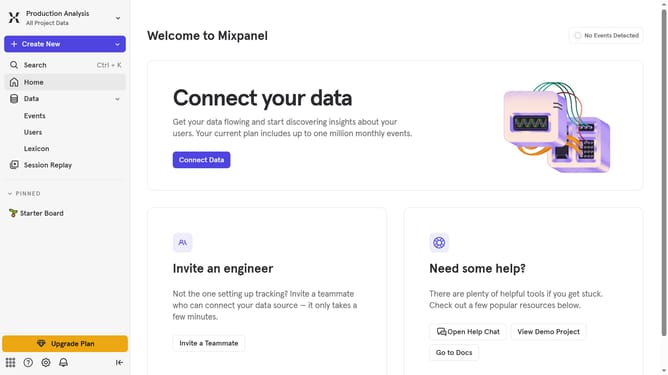
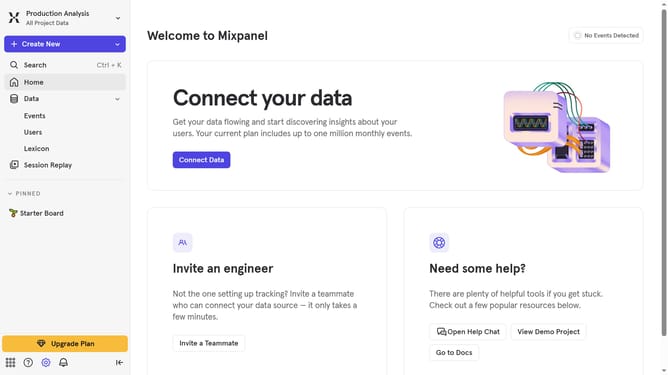
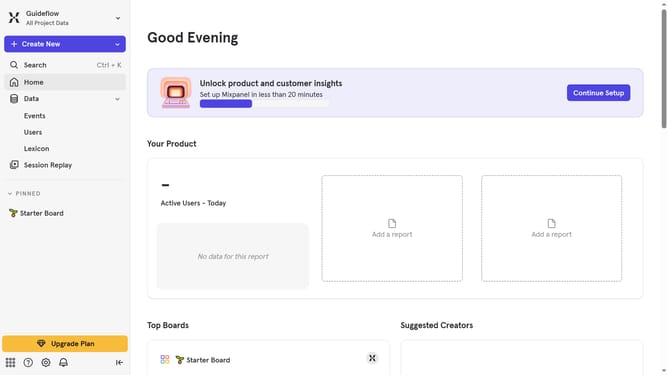
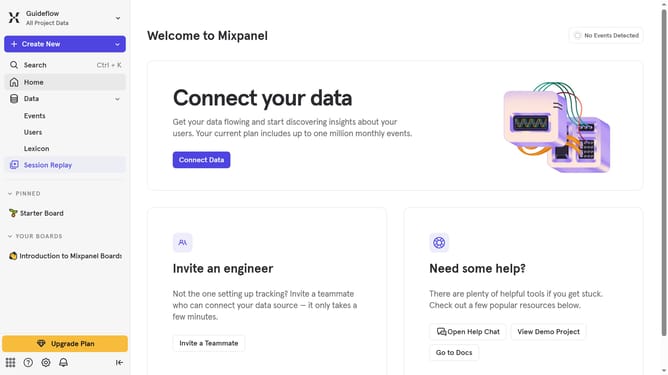
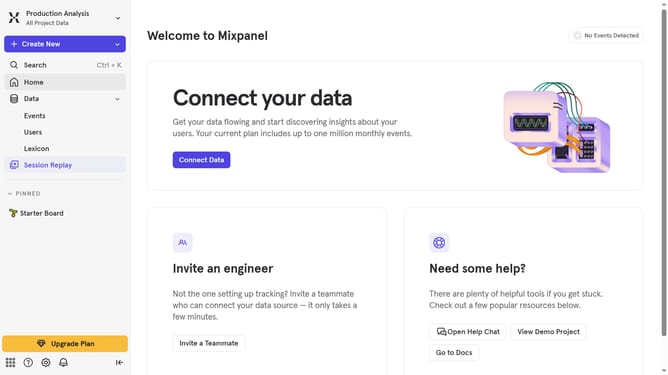
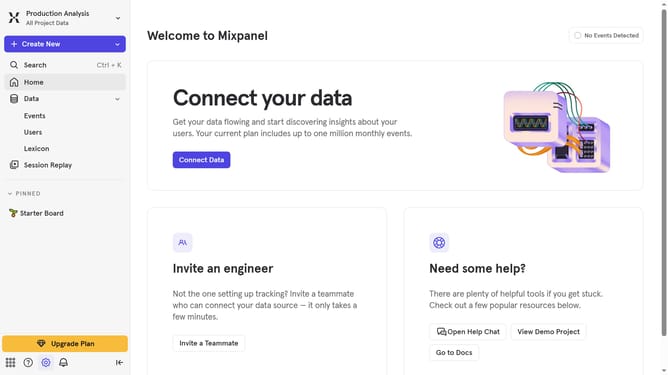
- First click on "Lexicon" in the left sidebar
- Then click on "Profile Properties" in the left sidebar
- Then click on "Edit Columns" button
- Finally click on the checkbox next to "Display name"
Why should you show display name column in profile properties in Mixpanel
Mixpanel is a powerful analytics tool designed to help businesses understand user interactions with their products.
Within Mixpanel, showing the display name column in profile properties streamlines data analysis by making user profiles more intuitive and accessible.
This feature enhances team collaboration, allowing teams to effortlessly identify and segment users, leading to smarter decision-making and targeted outreach.
By providing a clear view of user identities, businesses can construct more personalized and insightful user experiences.
Last update