How to filter events by hidden status in Mixpanel
Here is how to filter events by hidden status in mixpanel
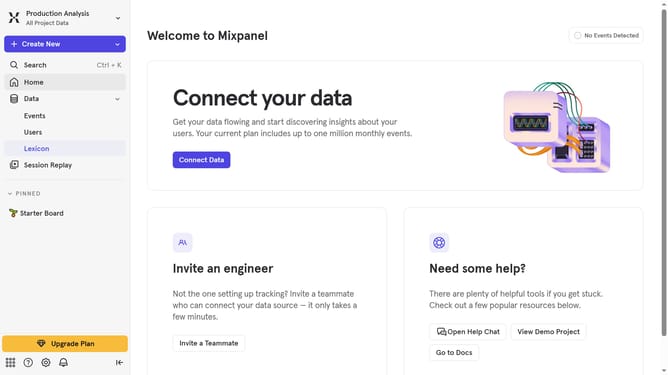
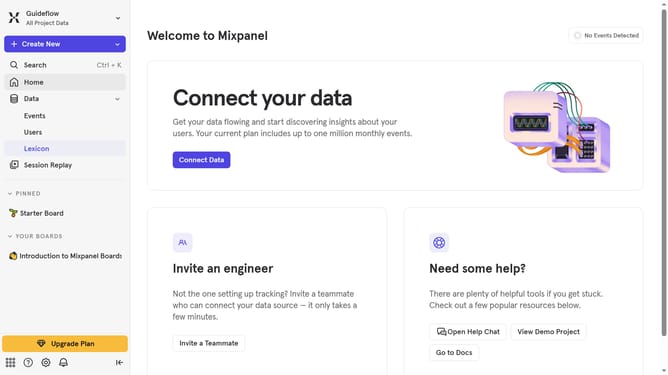
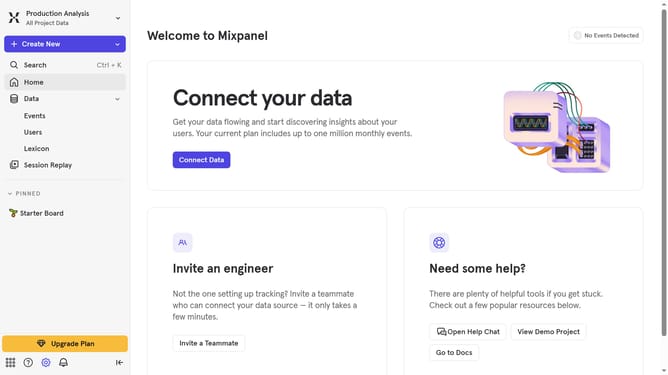
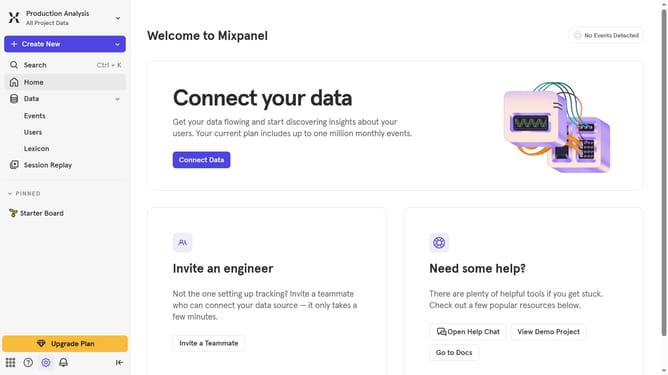
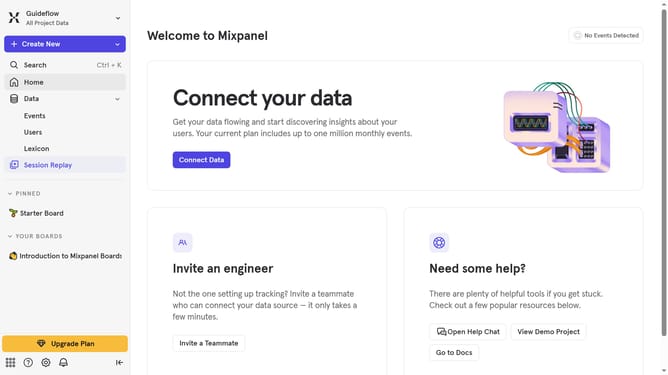
- First click on "Lexicon" in the sidebar menu
- Then click on the "Filter" button
- Finally select the "Hidden" checkbox
Why should you filter events by hidden status in Mixpanel
Mixpanel is a powerful analytics tool designed to track user interactions with web and mobile applications.
The ability to filter events by hidden status in Mixpanel offers a streamlined way to manage and pinpoint valuable data. This feature allows users to focus solely on the relevant metrics, discarding the noise of less significant events with ease.
Utilizing this function improves efficiency by enabling teams to draw insights faster and more accurately. Embracing this feature ensures that analyses remain clutter-free and precisely aligned with strategic goals.
Last update