How to hide description column in custom profile properties in Mixpanel
Here is how to hide description column in custom profile properties in mixpanel
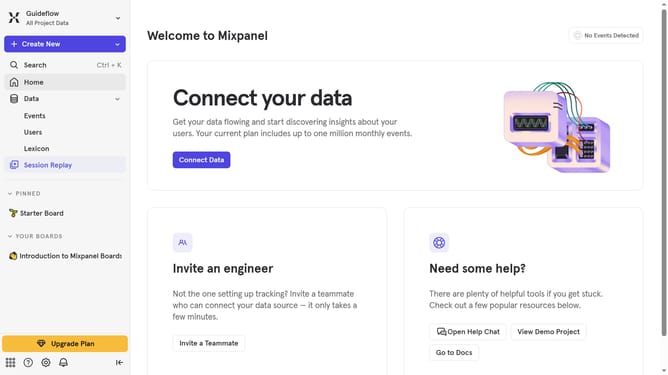
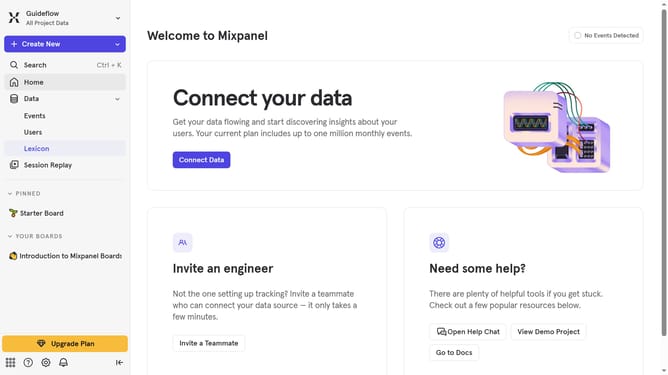
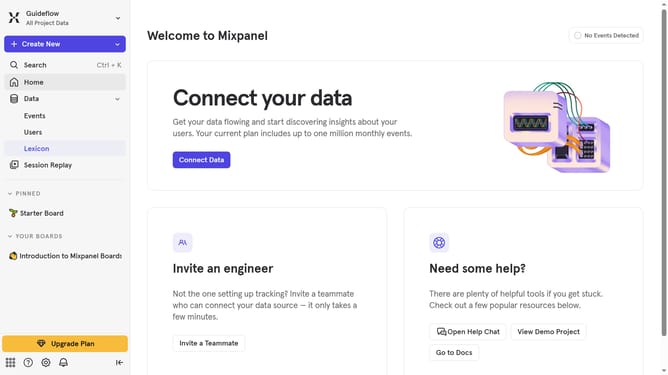
- First click on "Lexicon" item in the left sidebar
- Then click on "Custom Profile Properties" item in the sidebar
- Next click on "Edit Columns" button
- Finally uncheck the "Description" checkbox in the dropdown menu
Why should you hide description column in custom profile properties in Mixpanel
Mixpanel is a powerful analytics platform that helps businesses understand user behavior to improve decision-making.
In managing custom profile properties, the ability to hide the description column is a valuable feature. This allows for a cleaner, more streamlined view, especially when dealing with a significant amount of data.
By hiding this column, users can focus on the most critical data points without unnecessary distractions, making the interface less cluttered and more user-friendly.
This efficiency enhancement ultimately leads to a more effective data analysis workflow, benefiting both novice and experienced Mixpanel users.
Last update