How to remove visible and merged filter from events in Mixpanel
Here is how to remove visible and merged filter from events in mixpanel
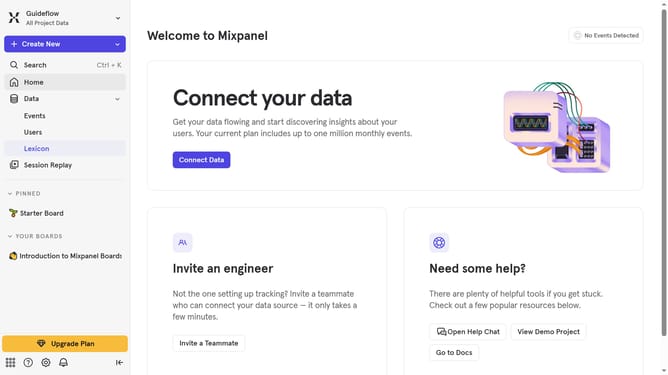
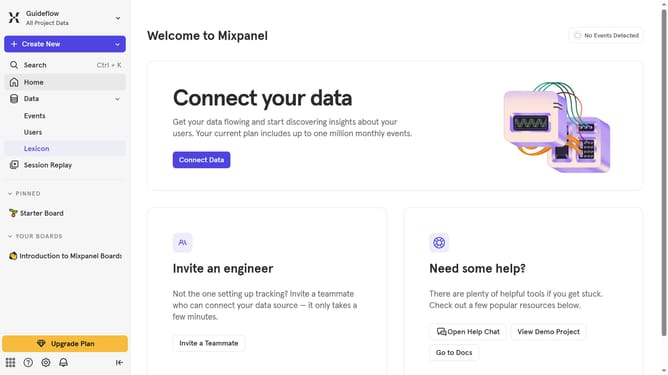
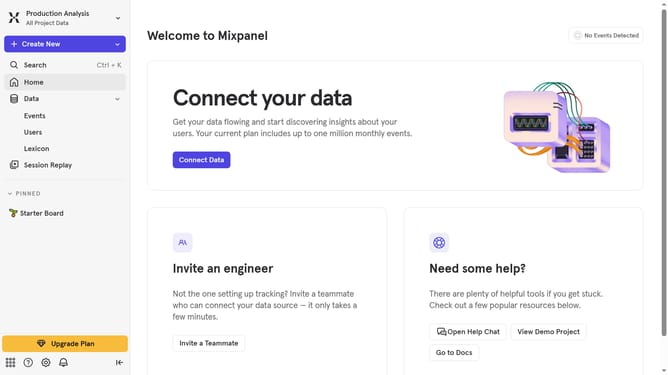
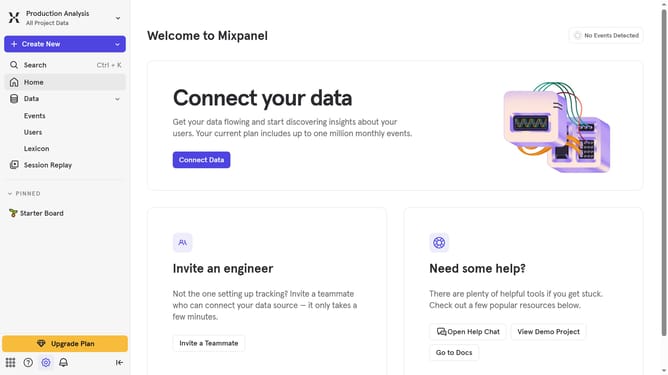
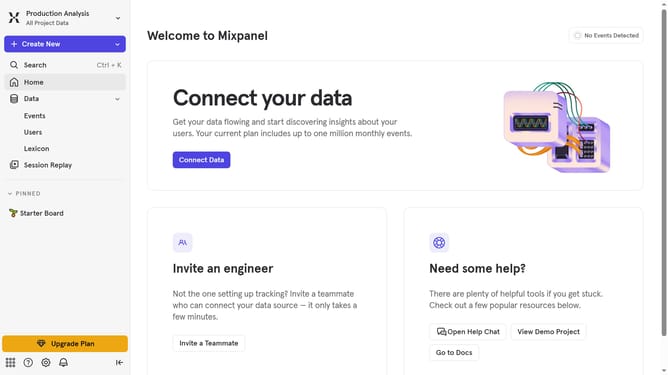
- First click on "Lexicon" in the left sidebar
- Then click on the "Filter" button
- Finally uncheck the checkbox next to "Visible, Merged" in the main content area
Why should you remove visible and merged filter from events in Mixpanel
Mixpanel is a powerful analytics platform designed to help businesses track user interactions and optimize their products.
The ability to remove visible and merged filters from events in Mixpanel allows users to seamlessly refine data views, ensuring the focus remains only on essential metrics.
This feature enhances data analysis by eliminating clutter, leading to more accurate insights and faster decision-making. By streamlining event tracking, users can maintain a clear overview of their analytics without unnecessary data congestion.
Last update