How to filter alerts by out of sync status in Mixpanel
Here is how to filter alerts by out of sync status in mixpanel
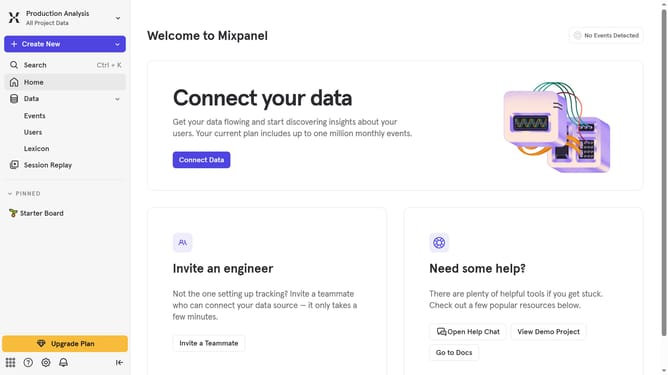
- First click on the "Settings" icon in the bottom left sidebar
- Then click on "Settings" in the menu that appears
- Next, click on "Project Settings" from the dropdown menu
- Then select "Alerts" from the left-hand project settings menu
- After that, click on the "Status" filter in the main content area
- Finally, select the "Out of sync" checkbox
Why should you filter alerts by out of sync status in Mixpanel
Mixpanel is a powerful tool designed to help businesses accelerate innovation by deeply analyzing user interactions.
The ability to filter alerts by out of sync status in Mixpanel offers immense benefits for teams who seek to maintain accurate and up-to-date data insights.
This feature allows users to swiftly identify and address any discrepancies in data, ensuring that information is consistently reliable and actionable.
By streamlining problem identification, your team can focus more on leveraging data to enhance user engagement, ultimately leading to growth and success.
Last update