How to filter audit logs by property definition created in Mixpanel
Here is how to filter audit logs by property definition created in mixpanel
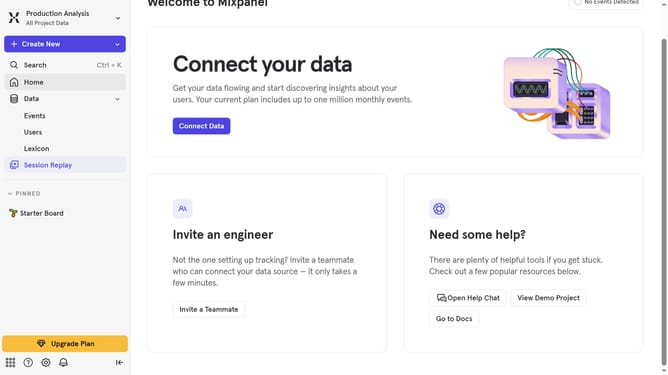
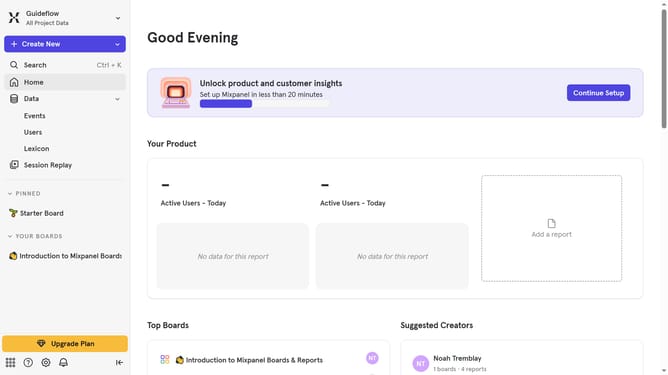
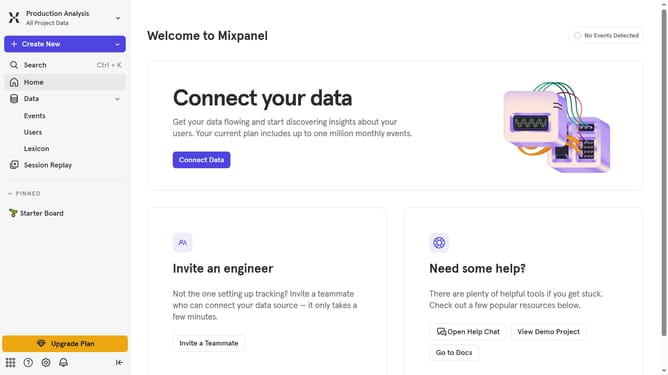
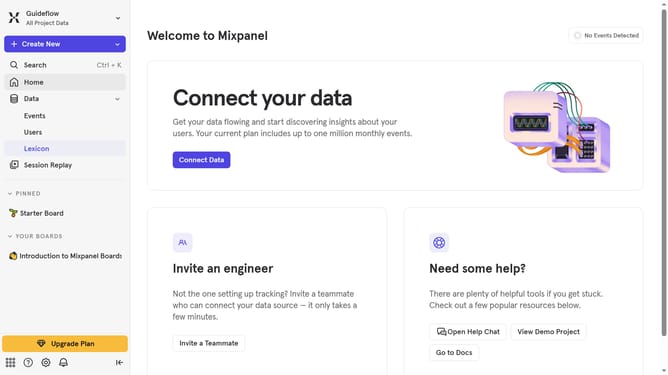
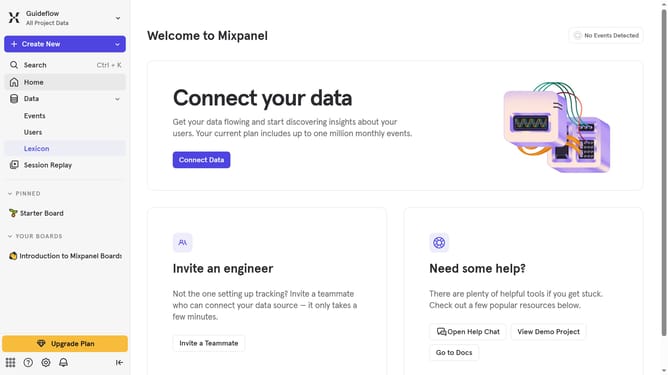
- First click on the settings icon in the sidebar
- Then click on the "Settings" option in the expanded menu
- Next, click on "Organization Settings" from the list
- After that, click on "Audit Log" in the left sidebar
- Then, click on the "Action" dropdown menu
- Next, scroll down to view more options
- Finally, click on the checkbox next to "Property Definition Created"
Why should you filter audit logs by property definition created in Mixpanel
Mixpanel empowers businesses by providing advanced analytics to streamline their decision-making processes.
Filtering audit logs by property definition is one of Mixpanel's standout features that boosts efficiency. This feature provides the ability to sift through specific data, allowing users to focus on precisely what matters most to their operations.
By honing in on relevant property definitions, teams can effortlessly track changes, identify patterns, and gain clearer insights into user behavior. This streamlined view saves time, enhances accuracy, and fosters more informed strategic decisions.
Last update