How to disable MCP in Mixpanel
Here is how to disable mcp in mixpanel
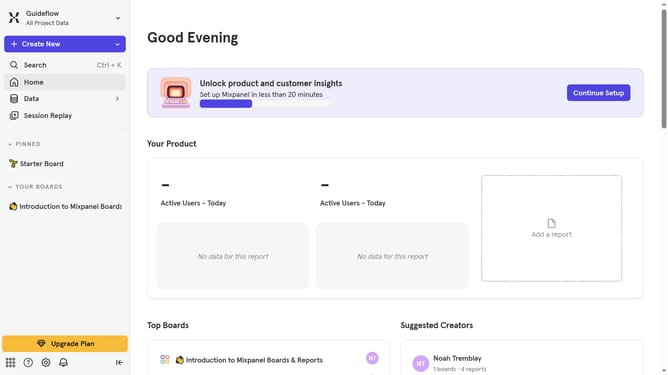
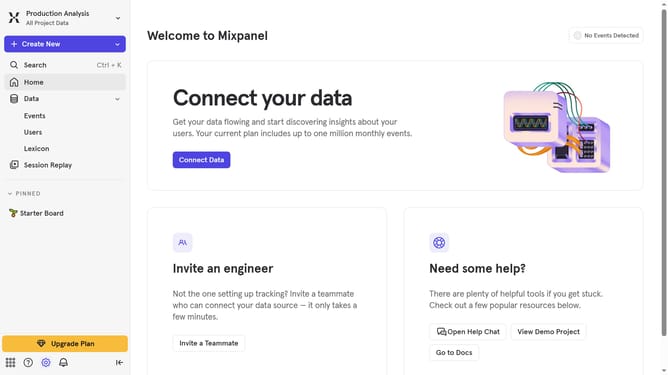
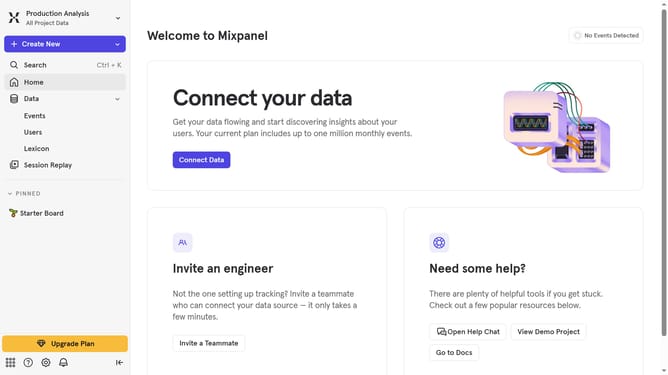
- First click on the "Settings" icon in the bottom left corner of the interface
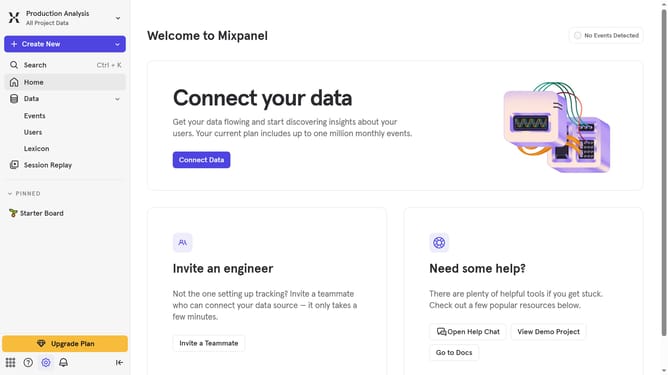
- Then hover your mouse cursor oever the "Settings" option
- Next, select "Organization Settings" from the dropdown menu
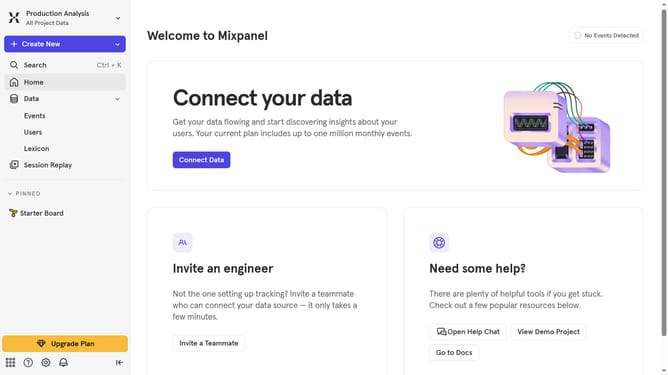
- Finally, toggle the switch next to the "Enable MCP" to disable it
Why should you disable MCP in Mixpanel
Mixpanel is a powerful analytics platform designed to help businesses understand user behavior.
Disabling the MCP (Message Center Platform) in Mixpanel can optimize your dashboards by focusing on essential metrics.
By turning off unnecessary features, you enhance data clarity, leading to more accurate analyses. This can simplify the user interface, reducing distractions and improving workflow.
Consequently, your team can concentrate on actionable insights, driving better decision-making and enhancing overall productivity.
Last update