How to connect Xtremepush in Mixpanel
Here is how to connect xtremepush in mixpanel
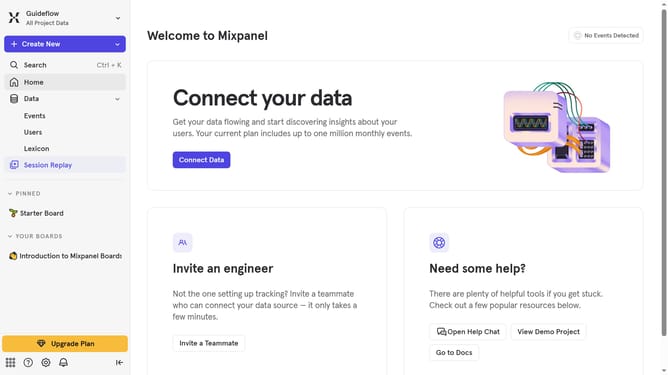
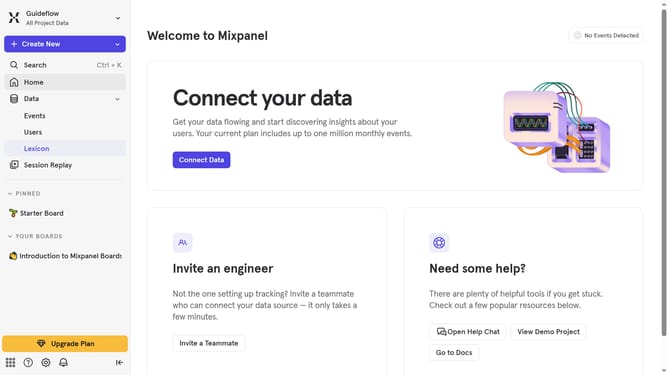
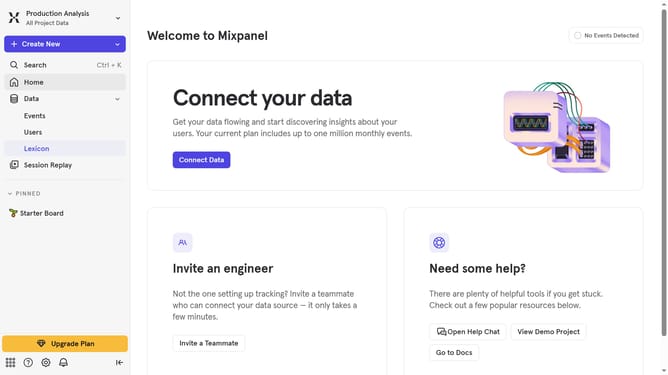
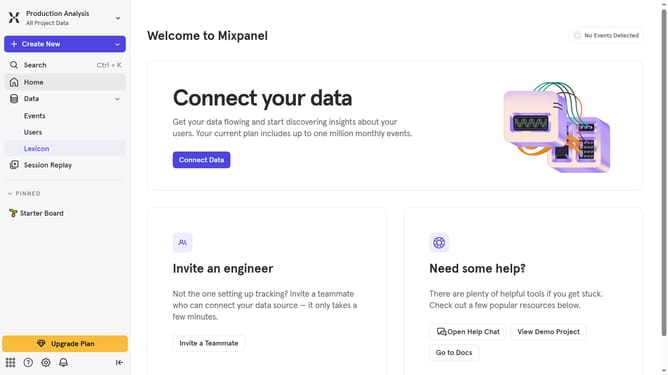
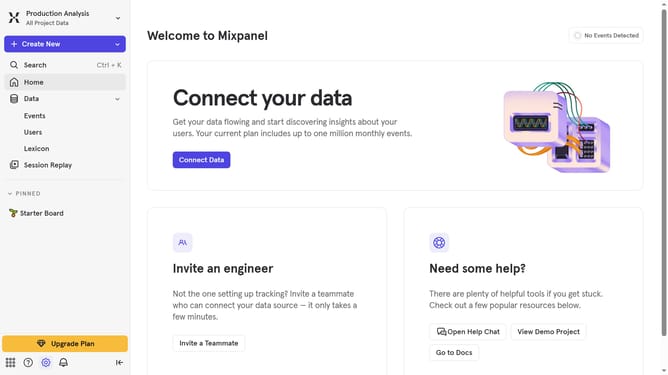
- First click on the settings icon in the left sidebar
- Then click on "Integrations" in the left menu
- Next scroll down to view more options.
- Then click on the "Xtremepush" integration option
- Then click on the "Connect" button for Xthemepush integration
- Next click on the "CONNECTOR NAME" text input field and type in your desired connector name
- Then click on the "API KEY" text input field and type in your API key
- Finally click on the "Continue" button
Why should you connect Xtremepush in Mixpanel
Mixpanel is an advanced analytics platform designed to help businesses understand user behavior.
Connecting Xtremepush to Mixpanel brings enhanced capabilities to your marketing endeavors by allowing for a seamless flow of customer data.
By integrating these powerful tools, you can boost engagement strategies through enriched behavioral insights and targeted outreach.
This connection simplifies the analysis of metrics, ensuring you’re making data-driven decisions that drive growth and success.
Last update