How to filter audit logs by experiment updated in Mixpanel
Here is how to filter audit logs by experiment updated in mixpanel
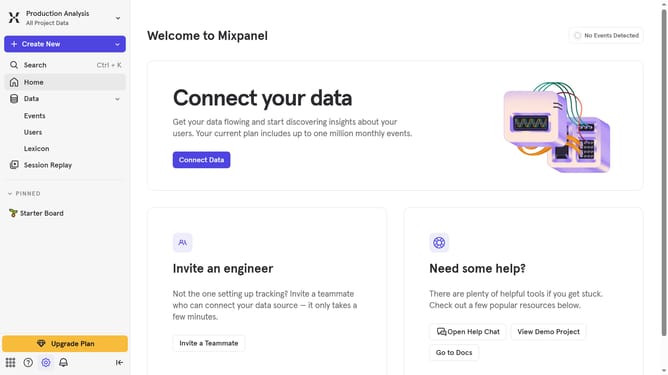
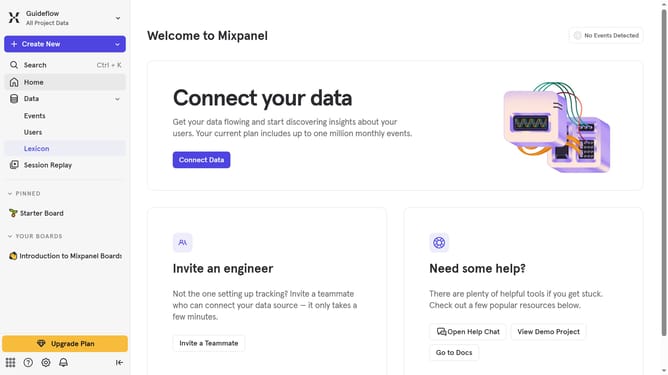
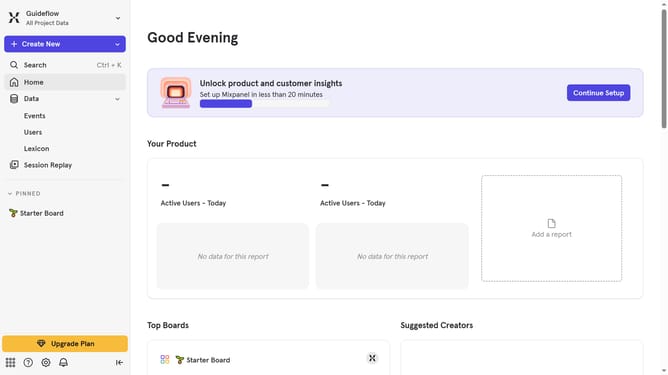
- First click on the settings icon in the bottom left sidebar
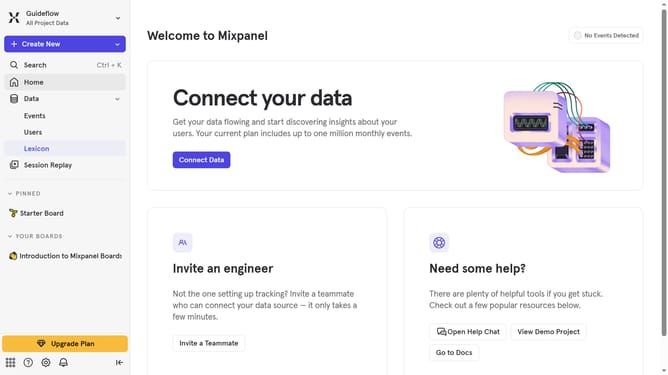
- Then hover your mouse cursor over the "Settings" menu
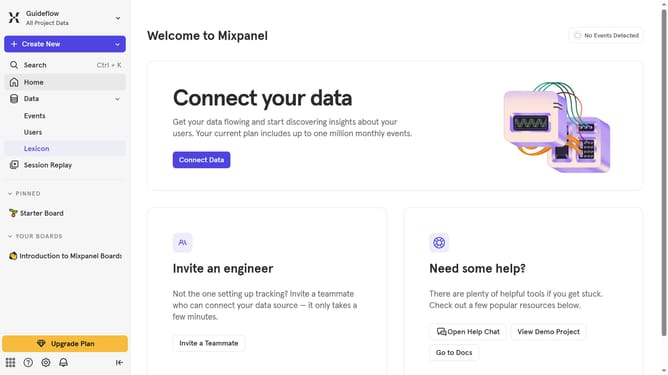
- Next, click on "Organization Settings" from the displayed options
- Then select "Audit Log" from the left-hand navigation menu
- Click the "Action" filter button
- Then scroll down in the dropdown menu
- Finally, select the checkbox next to "Experiment Updated" to filter the logs
Why should you filter audit logs by experiment updated in Mixpanel
Mixpanel is a powerful analytics tool designed to help businesses understand user interactions and improve product decisions.
One standout feature is the ability to filter audit logs by experiment updates. This allows you to quickly pinpoint changes in experiments, offering valuable insights into user behavior and experiment impact.
Using this feature ensures that teams can efficiently track modifications, optimize experiments, and maintain quality control.
Ultimately, this leads to more informed, data-driven strategies and better product outcomes.
Last update