How to show 30 day queries column in events in Mixpanel
Here is how to show 30 day queries column in events in mixpanel
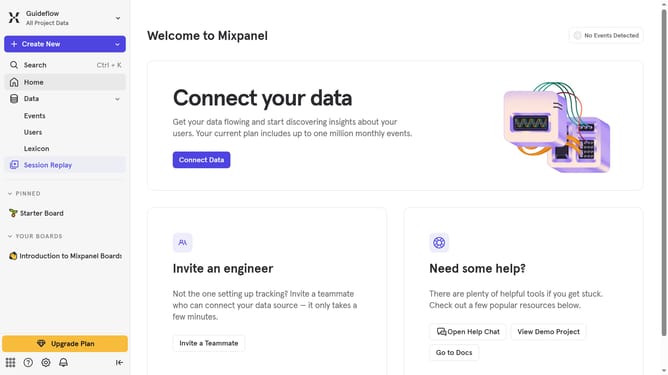
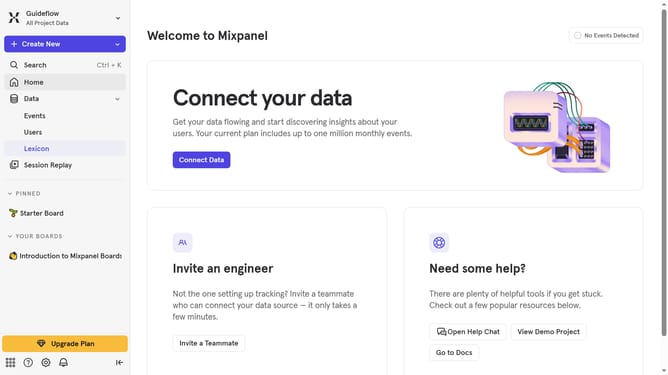
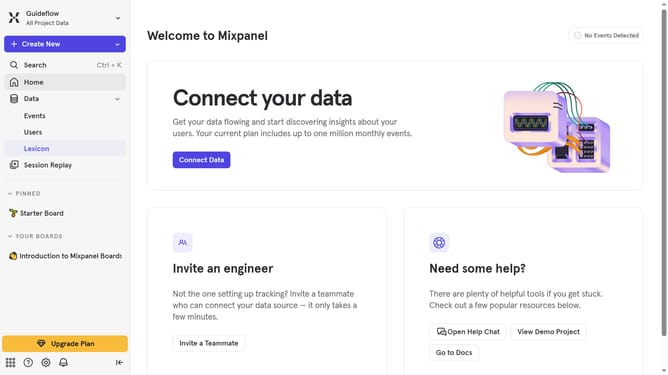
- First click on "Lexicon" in the sidebar
- Then click on "Edit Columns" button
- Finally click the "30 day queries" checkbox
Why should you show 30 day queries column in events in Mixpanel
Mixpanel is an advanced analytics tool designed to help businesses gain insights into user behavior.
One impressive feature of Mixpanel is the ability to display a 30-day queries column in events, enhancing your data analysis capabilities.
This feature allows you to effortlessly track important trends and patterns over the past month, offering a time-efficient way to understand user interactions.
Utilizing this, you can make data-driven decisions faster and more effectively, ultimately enhancing the user experience and driving growth.
Last update