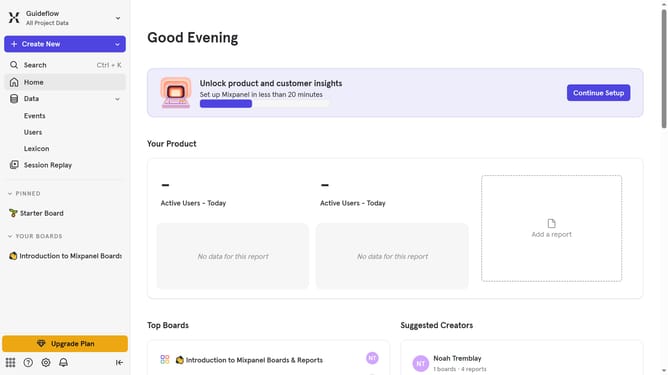
How to show example value column in event properties in Mixpanel
Here is how to show example value column in event properties in mixpanel
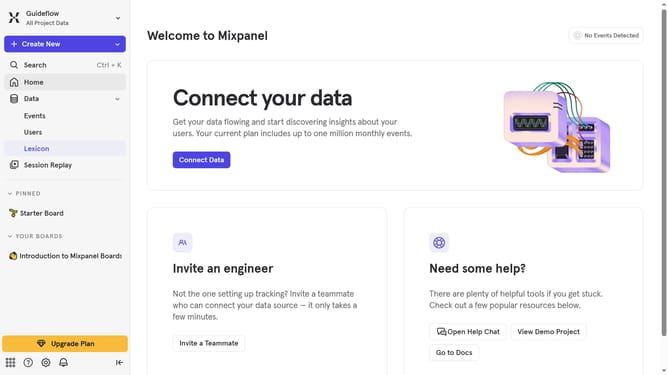
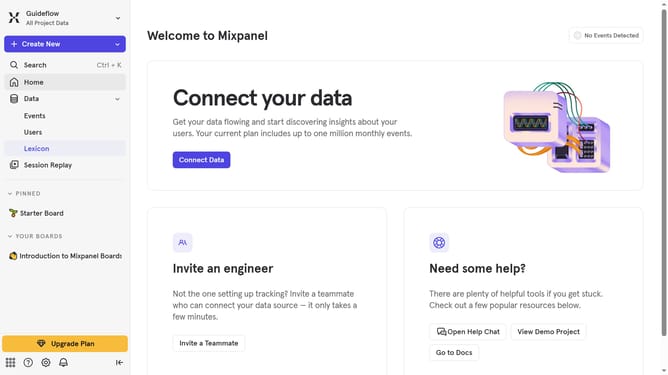
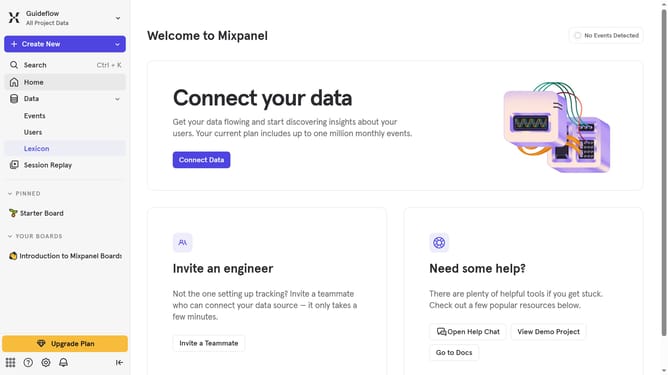
- First click on "Lexicon" in the sidebar
- Then click on "Event Properties" in the sidebar
- Then click on "Edit Columns" button
- Finally click on the checkbox next to "Example Value"
Why should you show example value column in event properties in Mixpanel
Mixpanel is a leading product analytics platform that helps businesses understand user interactions.
The feature of showing an example value column in event properties in Mixpanel is a game-changer for clarity in data analysis.
This feature allows users to instantly grasp what type of data is being captured, reducing ambiguity and enhancing decision-making processes.
By providing an immediate visual representation of data, it promotes efficient collaboration and drives actionable insights.
Last update