Mixpanel
Mixpanel is a product analytics platform for tracking user behavior and engagement.
Website
Industry
Analytics
Share this article:

How to filter audit logs by property definition updated in Mixpanel

Here is how to filter audit logs by property definition updated in mixpanel

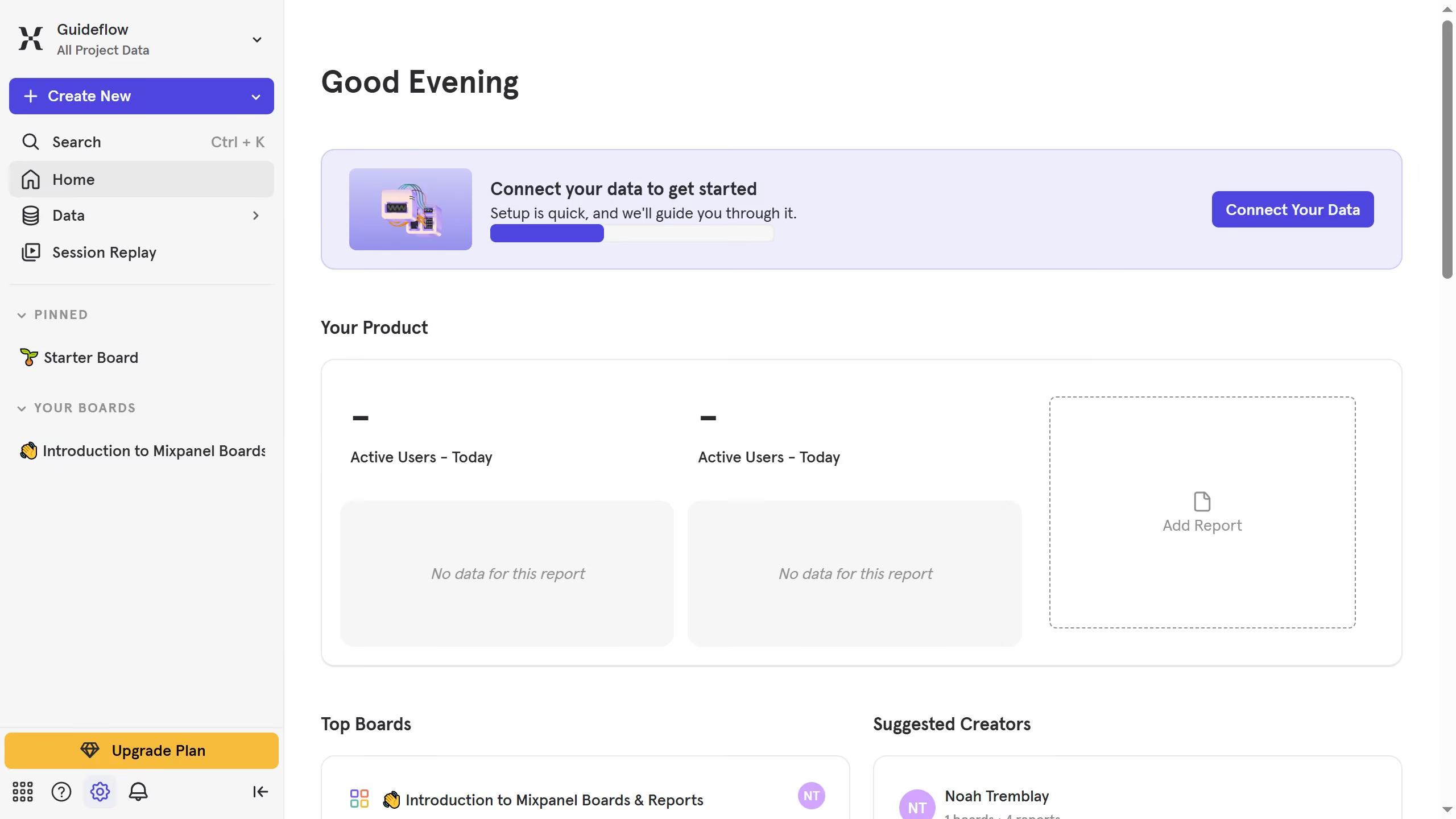
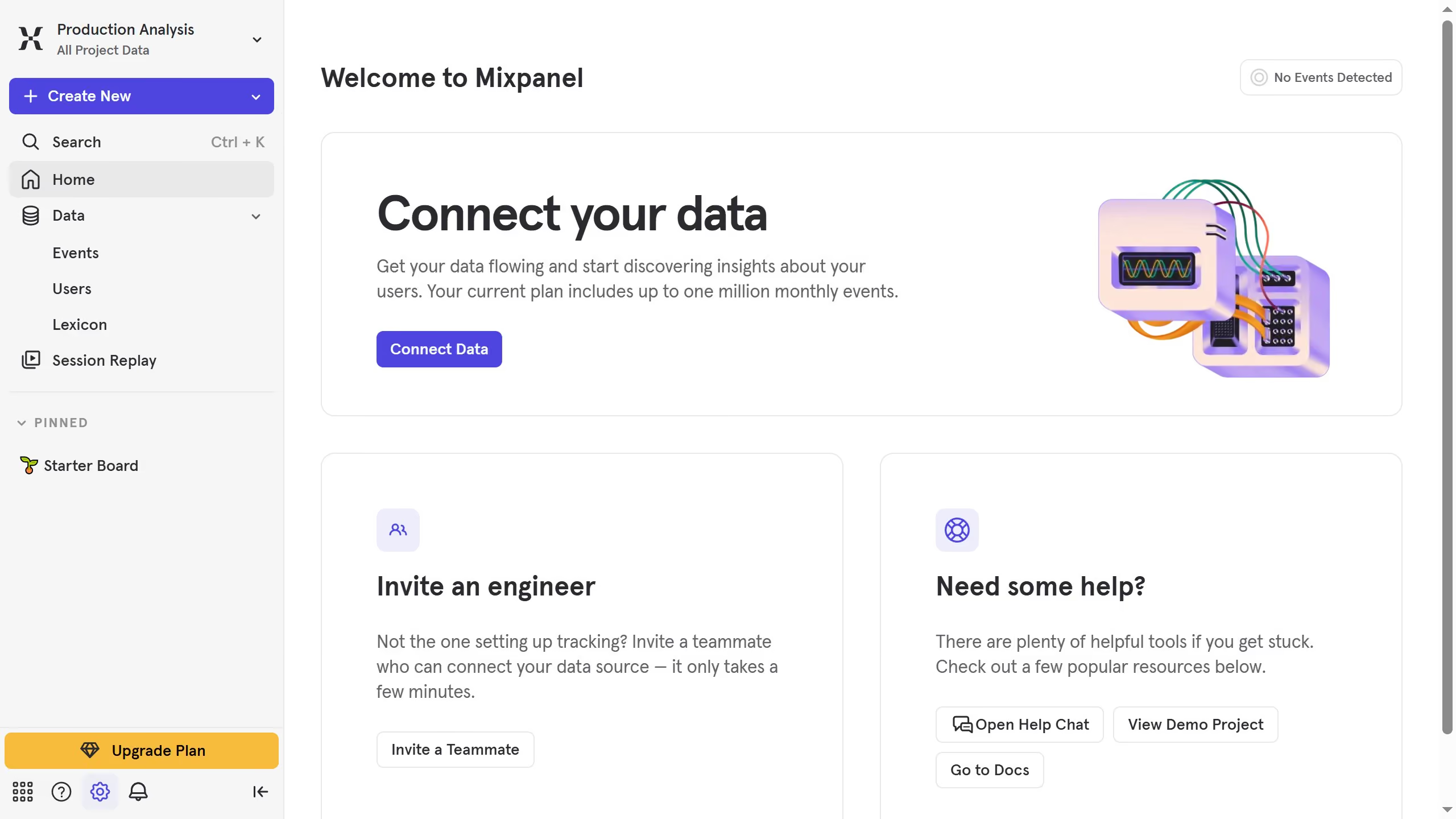
  1. First click on the settings icon in the left sidebar
  2. Then hover your mouse cursor over the "Settings" menu
  3. In the "Settings" menu, click on "Organization Settings"
  4. On the "Organization Settings" page, click on "Audit Log" in the left sidebar
  5. Click on the "Action" dropdown menu
  6. From the dropdown menu, scroll down
  7. Finally, select the checkbox next to "Property Definition Updated"

Create your own interactive guide with Guideflow

Why should you filter audit logs by property definition updated in Mixpanel

Mixpanel is a powerful analytics platform that helps businesses gain insights into user behavior.

The ability to filter audit logs by property definition updated is a valuable feature in Mixpanel, allowing teams to efficiently track changes and understand their impact on analytics.

Using this feature helps maintain oversight and ensures data-driven decisions by pinpointing specific updates that influence overall performance metrics.

This filtering capability enhances accountability and streamlines workflows by highlighting critical changes in property definitions.

Last update
June 10, 2026
Cursor MariaA cursor points to a button labeled "James."

Create your first demo in less than 30 seconds.